
Highlight

The Highlight annotation tool allows the user to create an opaque box with a color specified by clicking and dragging. The user can input text as needed into this box.
It is also possible to highlight an already selected area with a single click. If an area is selected, IceViewer will put a highlight over the selected area when the user clicks the Highlight tool.
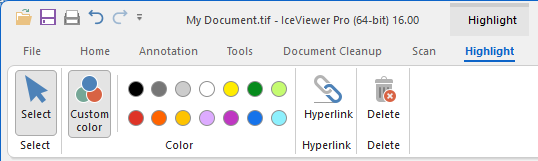
On the Highlight ribbon users can select a background color for the highlight annotation. Users also have the option to add a hyperlink to the highlight annotation, so the highlighted text becomes a clickable link.
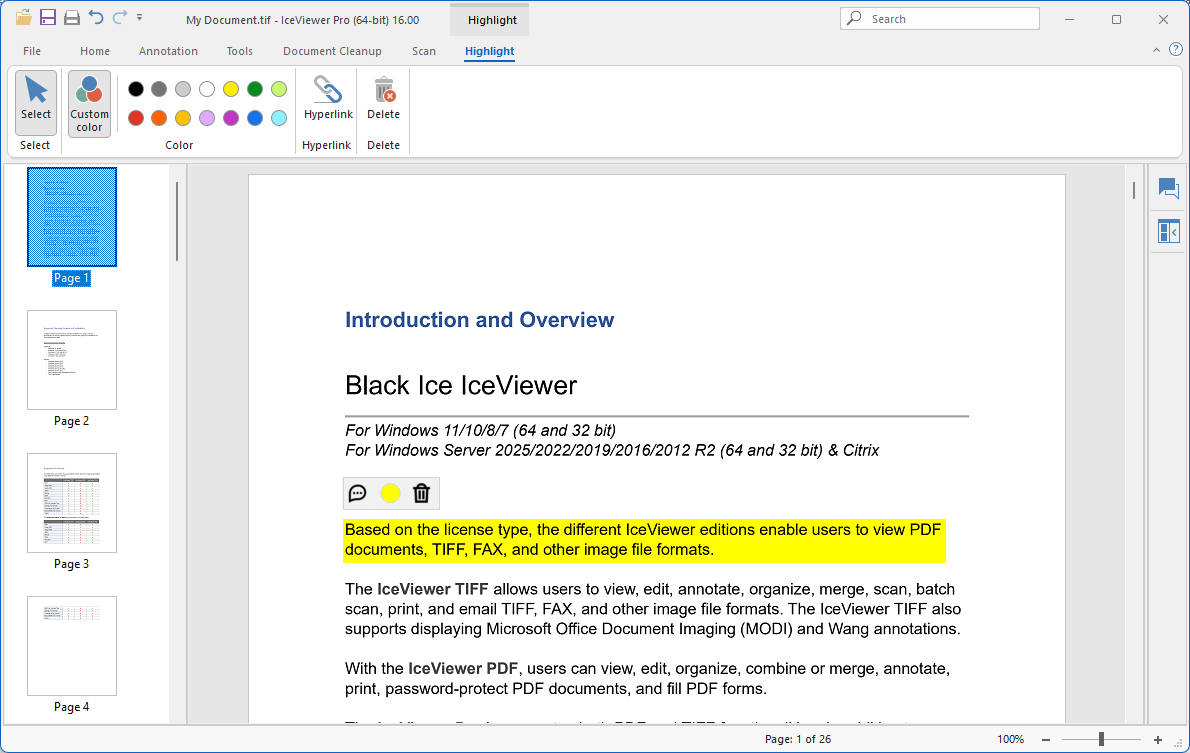
After placing a highlight, a floating menu appears above the annotation, providing quick access to tools such as adding a comment (reply) to the annotation, changing the highlight color, or deleting the annotation.

Please note, that once placed on the document, the Highlight annotation cannot be moved.