
Opening Files
Open files from the File > Open menu item within IceViewer:
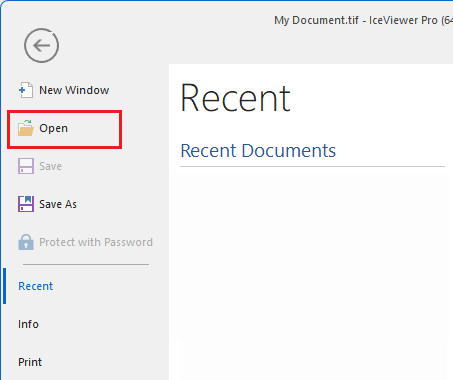
Files can be opened from within the IceViewer itself from the File > Open menu item, which opens the following window:
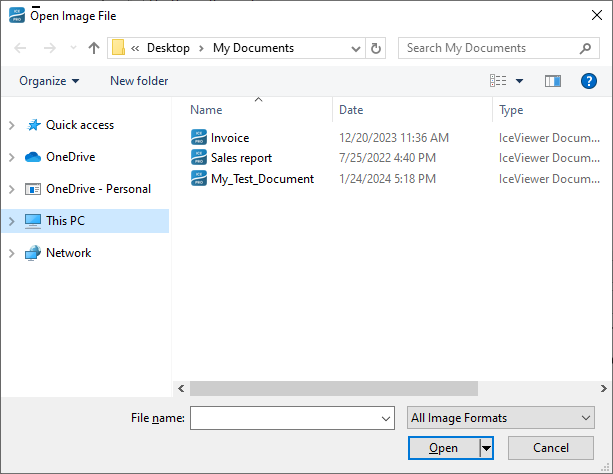
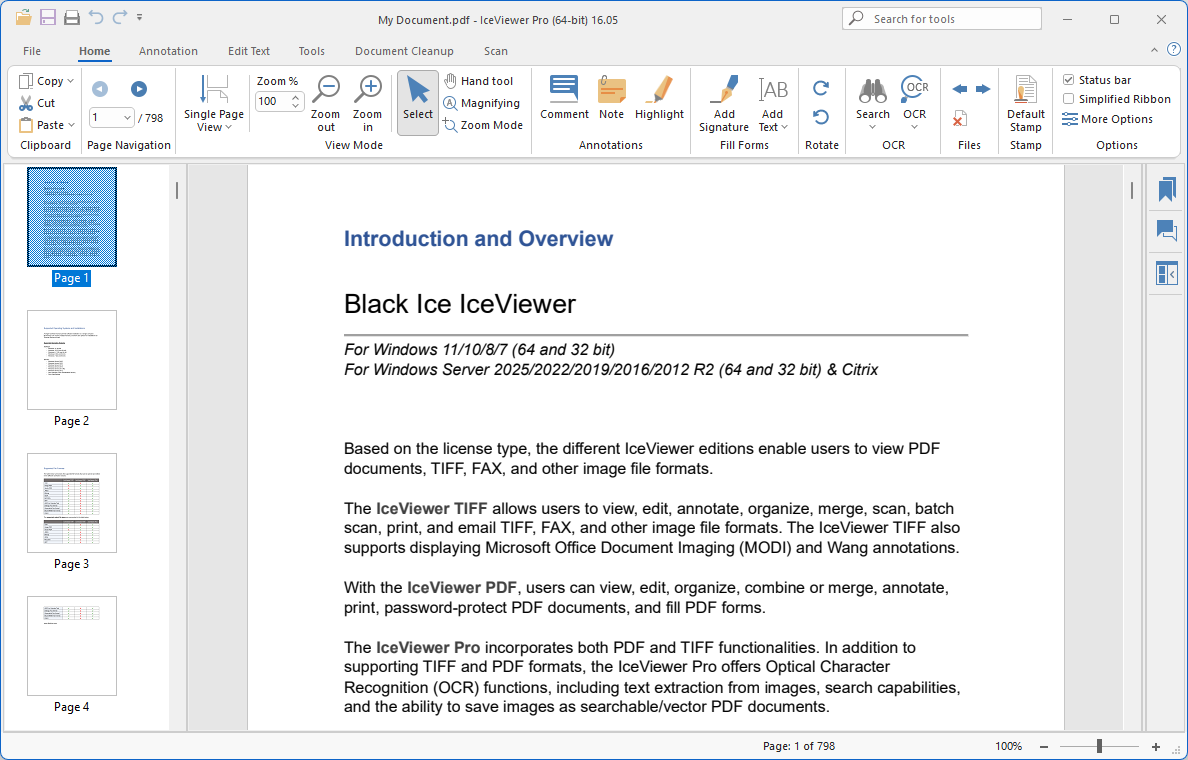
Double clicking on the file opens the file in a new image window within the IceViewer:
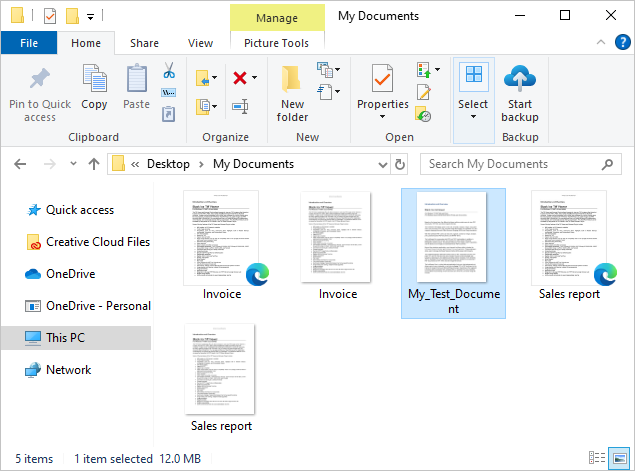
Open files from the Windows Explorer :
Files can also be opened with the IceViewer by double clicking on an associated file type from the Windows Explorer.
Double clicking on the file opens the file in a new image window within the IceViewer:
.png)
Open files with Drag and Drop :
Files can also be opened by dragging and dropping the selected image to the IceViewer.
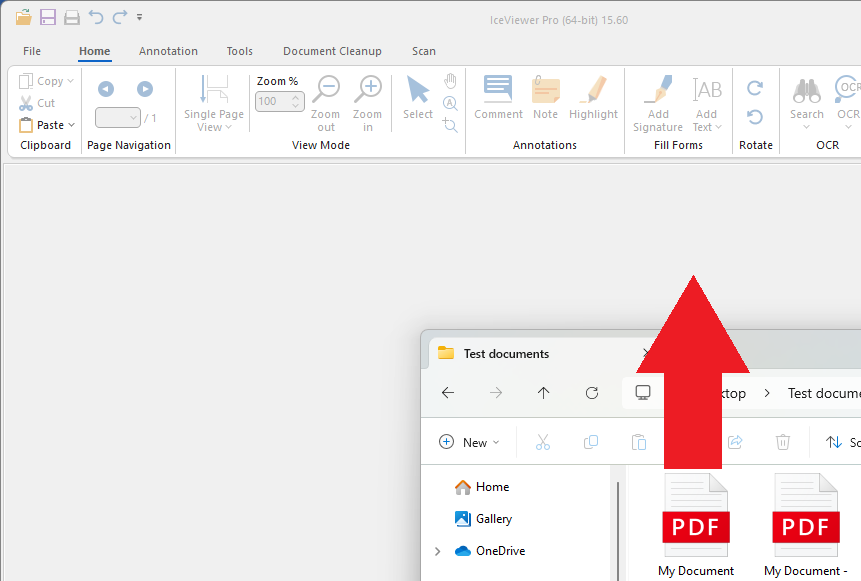
Drop the file and it opens in a new image window within the IceViewer:
.png)