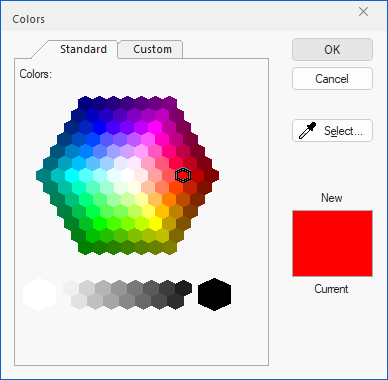
Annotation Color
Allows the user to specify the color of the selected annotation object with predefined or custom colors. The predefined color choices are the following: black, gray, light gray, red, purple, blue, cyan, green, yellow and white.
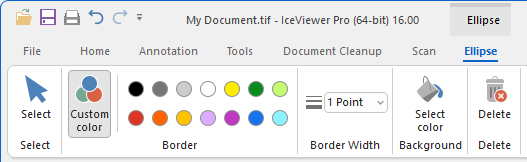
To select a custom color, please click on the Custom color button and select the desired color on the appearing window. Click on the OK button to apply the color.