
IceViewer for Tablets
|
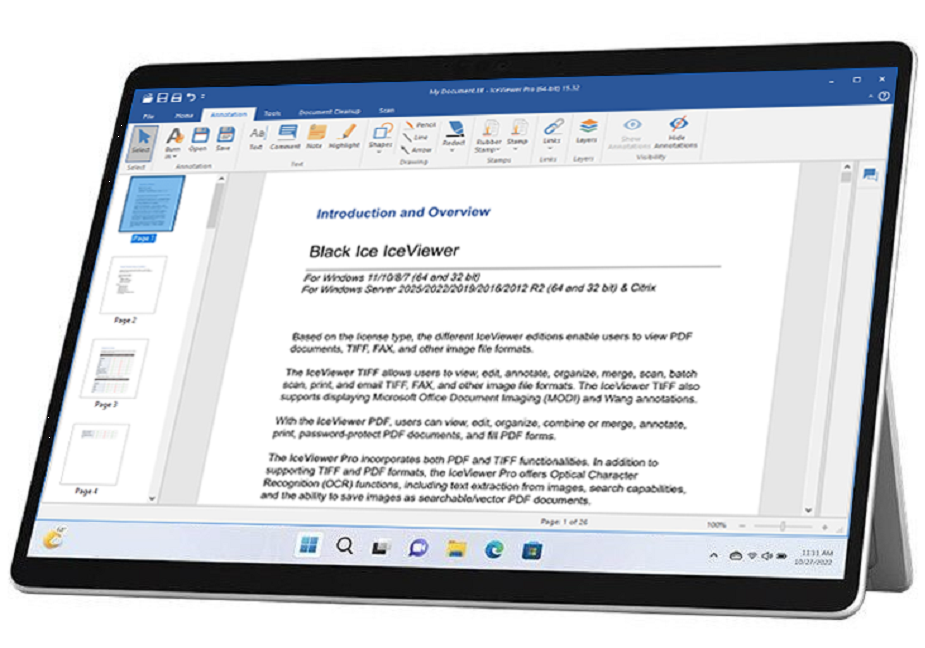
The IceViewer handles advanced gestures, such as rotate, next page, previous page, and zoom. These features, combined with the standard ribbon menu, provide an ideal solution to view, print, and edit any TIFF and PDF documents on Windows Tablets. IceViewer supports Surface Pro tablets with Windows 11/10 operating systems. The basic gestures (zoom out, zoom in, scroll, and hand tool) can also be used on the previous Windows operating systems. |
|
The IceViewer supports the following gestures:

|
Rotate gesture To rotate a page, swipe two of your fingers in circles. IceViewer can rotate pages in both right and left directions. |
|
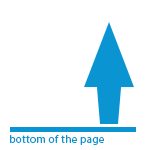
Next Page / Previous Page gestures To go to the next page of a multipage TIFF document, scroll down to the bottom of the page and swipe your finger from the bottom to the top. To go back to the previous page, scroll up to the top of the page and swipe your finger from the top to the bottom. |

|
Zoom in / Zoom out gestures Zoom in and Zoom out gestures works exactly the same as most other tablet applications. To zoom out, touch two points on the screen, and then move your fingers toward each other. To zoom in, touch two points on the screen, and then move your fingers away from each other. |

|
Scroll / Hand Tools The Scroll and Hand Tool gestures works exactly the same as most other tablet applications. Touch and drag the screen with either one or two fingers. |