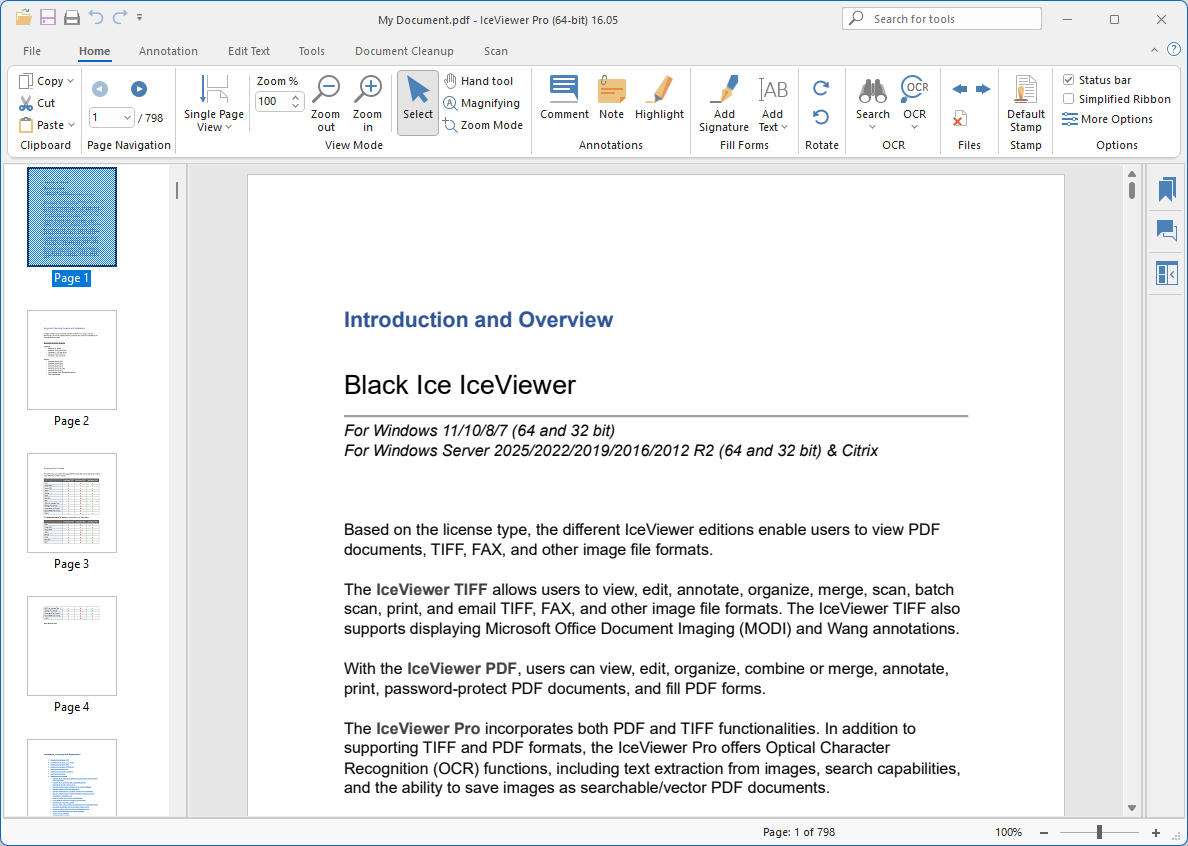
Using the IceViewer TIFF, IceViewer PDF and IceViewer Pro
To start the IceViewer, please double-click on the IceViewer shortcut on the desktop or open the Start menu and start typing “IceViewer”.
Depending on the registered IceViewer edition (IceViewer TIFF, IceViewer PDF, or IceViewer Pro), the IceViewer can have different functionalities.
IceViewer features can be accessed in several ways: through the icons in the top toolbar or via the context menu by right-clicking the document. Additionally, a search bar in the upper-right corner allows users to quickly locate options or commands.