
Enable/disable IceViewer features
In the Enable/disable IceViewer features dialog, the Administrator can restrict access to specific IceViewer features for every user on the computer. Uncheck an option to disable the feature for all users, or check it again to enable the feature. By default, all features are enabled.
This dialog can be opened from the Admin page of the Black Ice IceViewer Options.
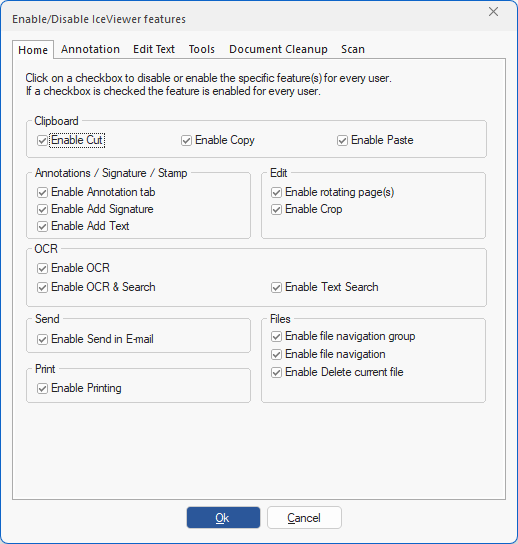
On the dialog there is one category for each IceViewer tab: