
Invert Page
IceViewer allows the user to invert the black-and-white values of images, turning white areas black and black areas white. The Invert feature can be accessed from the Tools tab.
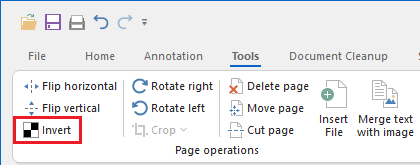
NOTE: The Invert feature is only available in Monochrome color mode. To read more about color modes, please see the Set the Color Mode section of the manual.
Invert multiple pages
To invert multiple pages within a multipage document, hold the Ctrl key and select the desired pages in Thumbnail view, then click the Invert Page button.