
Delete page
(Not available in the Free version)
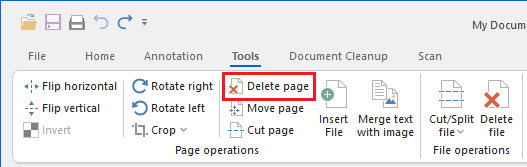
To delete the selected page, please navigate to the Tools tab and click on the Delete page option.
Alternatively, selected pages can be deleted in the Thumbnail view, by right-clicking on the thumbnail of a page and select the Delete Page(s) button. To delete more pages at once, please hold the Ctrl button and click the pages in the Thumbnail view. Then right-click on the selected pages and click on the Delete Page(s) button.
.png)