
Crop the Selected Area
(Not available in the Free version)
The IceViewer offers easy-to-use features for cropping pages.
Crop
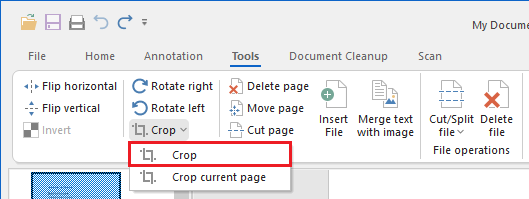
The Crop option crops the selected area of the image and place the cropped image into a new file that can either be saved or printed. The new file will be opened in a new IceViewer window.
Crop current page
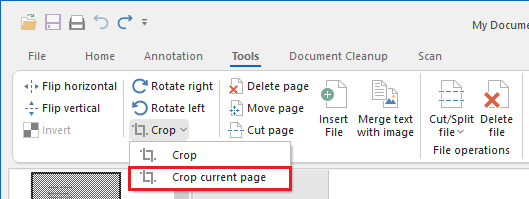
The Crop current page option crops the selected area of the image including annotations, and replaces the current page content with the cropped image (including annotations).