
Cut page
This option allows the user to cut a page at a specific point in the file. To cut a page, please navigate to the Tools tab, and click on the Cut page option.
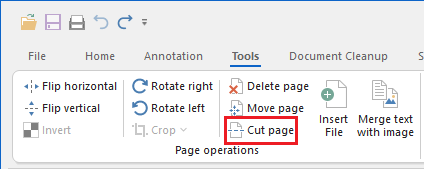
If the cut page option is active, the user can select a vertical point on the page to split it into two separate files at a user-specified position.
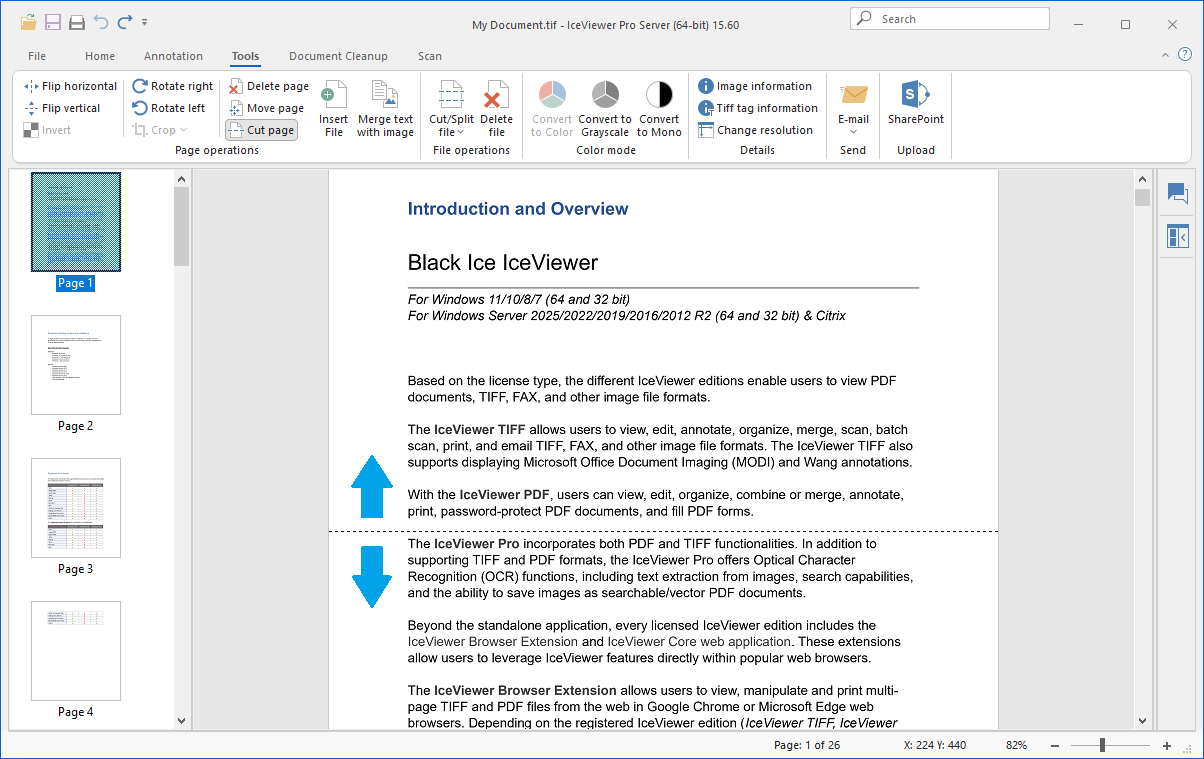
The two parts of the cut page will be opened in two new IceViewer windows.