
Flip Pages
IceViewer allows the user to flip pages within a document, either horizontally or vertically. The flip features are accessible from the Tools tab.
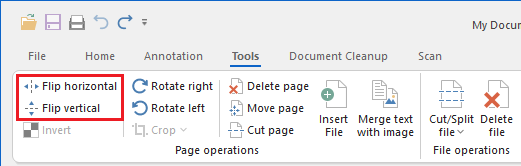
Flipping multiple pages
The IceViewer can be used to flip multiple pages in a document. To select multiple pages, hold down the Ctrl button and click the pages in the Thumbnail view. When pages are selected, click on any flip option on the ribbon menu, and the IceViewer flip the selected pages.