
Rotate pages
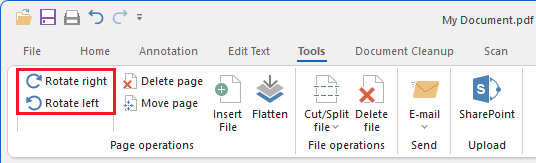
The IceViewer can be used to rotate pages within a document. Pages can be rotated 90 degrees clockwise or counterclockwise. The rotation features of the IceViewer can be accessed from the Tools tab.
Rotating multiple pages
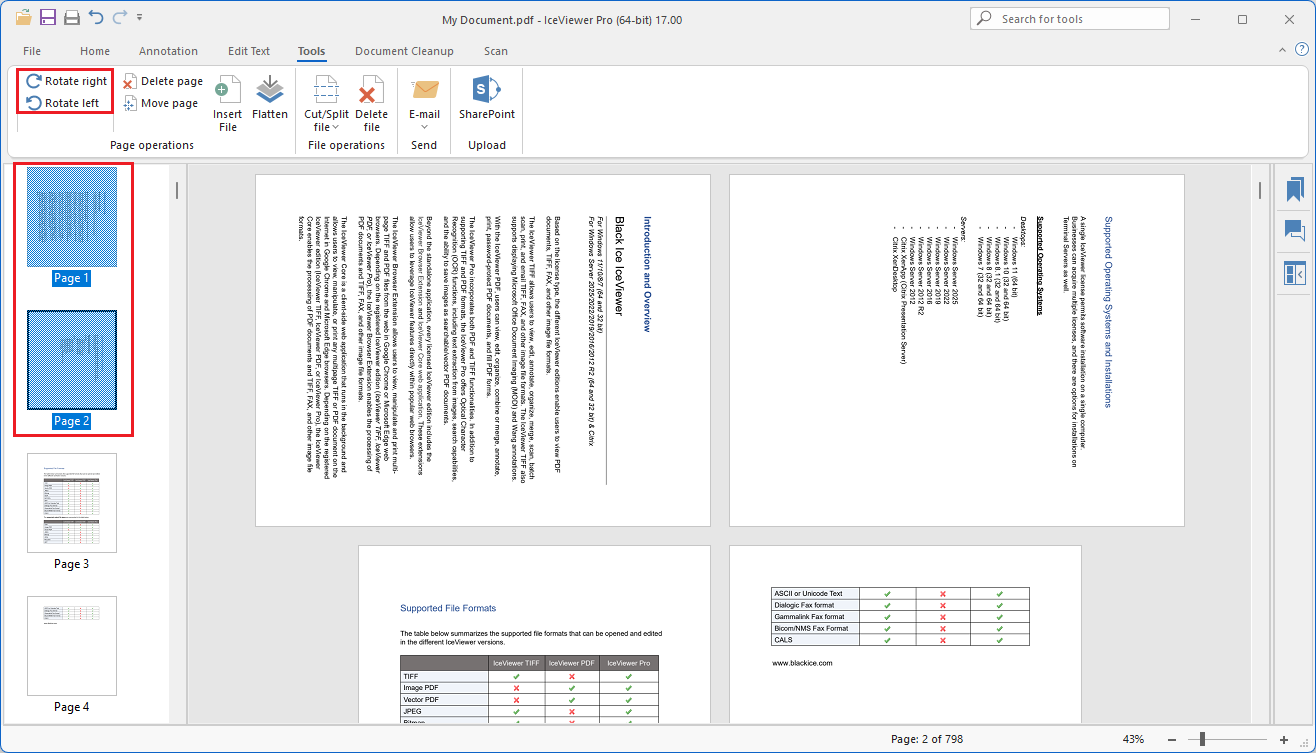
The IceViewer can be used to rotate multiple pages in a document. To select multiple pages, hold down the Ctrl button and click the pages in the Thumbnail view. When pages are selected, click on any rotate option on the ribbon menu and the IceViewer rotates the selected pages.
Auto Rotate
The IceViewer has a built-in feature to rotate the pages of the opened document automatically to the preferred orientation and direction. To read more about the auto rotate feature please see the View section of the manual.