Scan
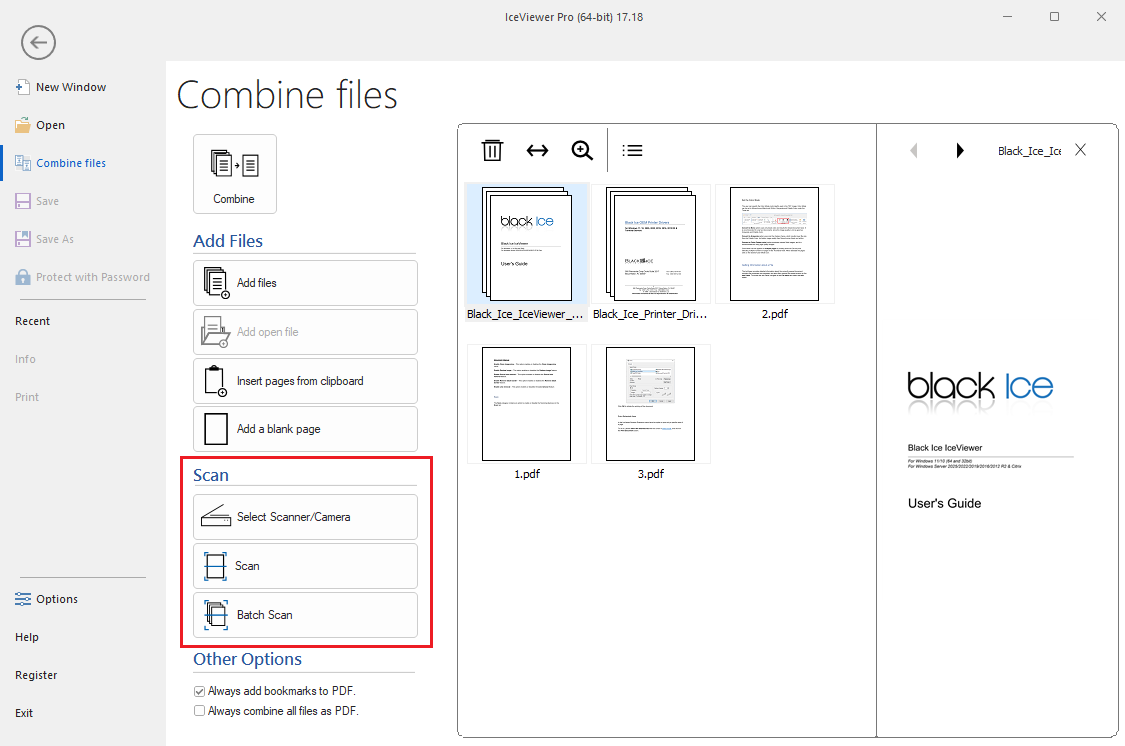
The Scan section provides options for acquiring documents directly from a connected scanner or camera into the viewer.
- Select Scanner/Camera:
Opens a dialog window allowing the user to select the desired TWAIN or WIA compliant scanner or camera device connected to the system.
- Scan:
Initiates a standard scanning process to acquire a single page or document from the currently selected device.
- Batch Scan:
Initiates a continuous scanning process, which is ideal for scanning multiple pages in sequence.