Preview Thumbnail
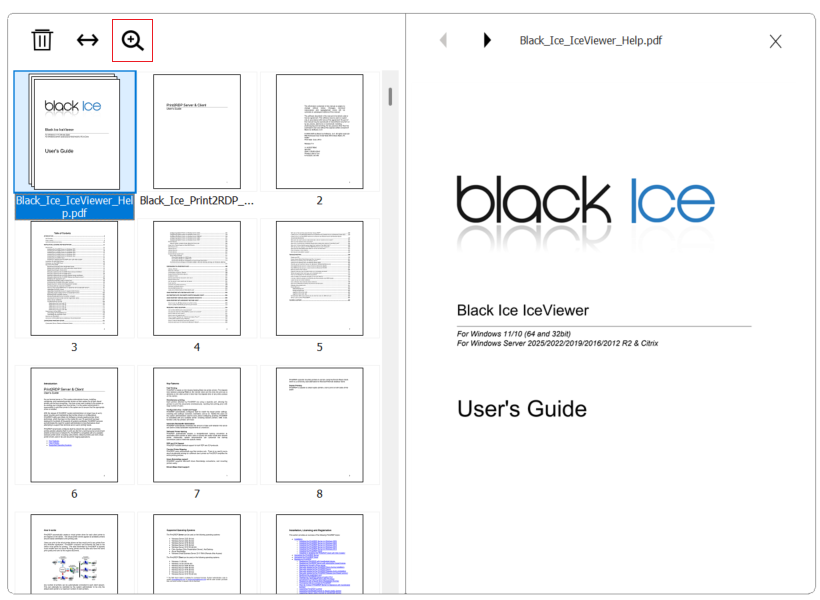
The Preview Thumbnail feature allows pages to be viewed in full size during document creation.
- Open full page viewDouble-clicking a page or selecting the Preview Thumbnail option displays it in full size during document creation.
- Navigate between pagesThe previous and next pages in the document can be viewed using the buttons on the top toolbar.
- Close full page viewThe full-size view can be closed using the X button.