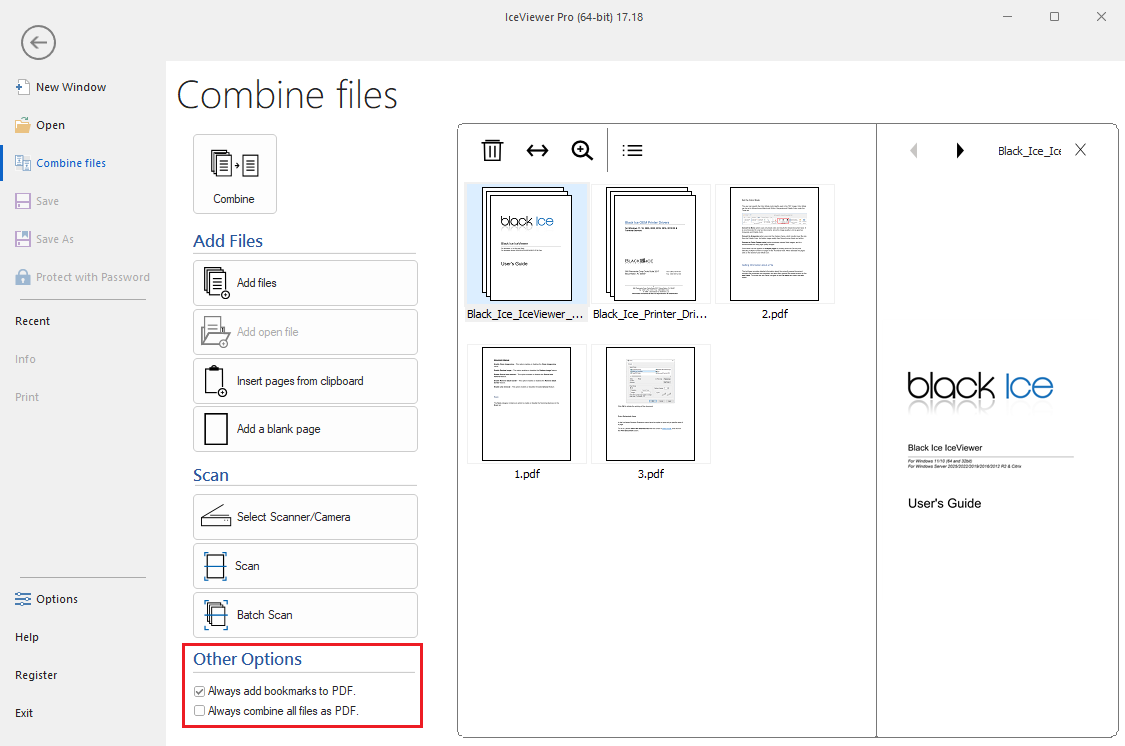
Other Options
These global settings control how the software formats and saves your final documents, particularly when merging or converting multiple files.
- Always add bookmarks to PDF:
When enabled, the software keeps all of the previous bookmarks. This is useful for easily navigating through multi-page scanned documents.
(NOTE: Not available in IceViewer TIFF)
- Always combine all files as PDF:
When enabled, all individually scanned pages from the session are automatically merged and saved together as a single, multi-page PDF document, rather than being saved as separate files.
(NOTE: Not available in IceViewer PDF and TIFF)