Organize Files
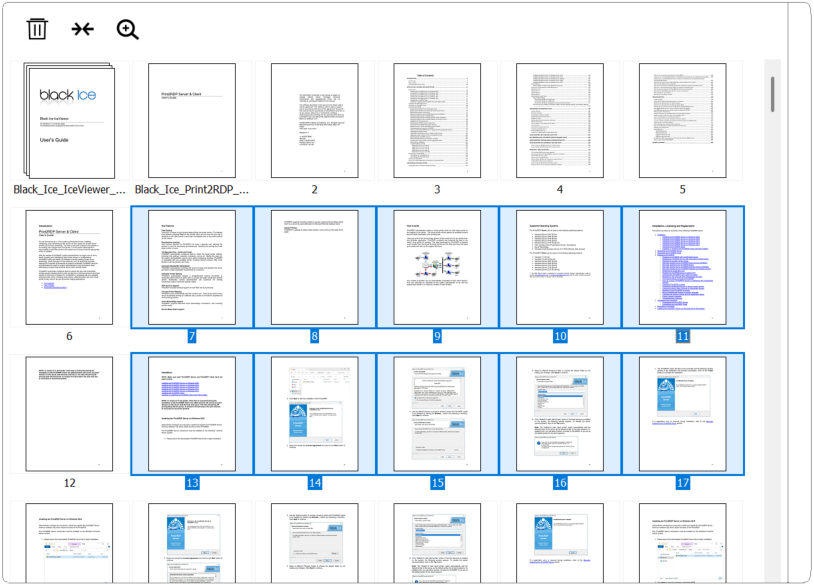
The pages in the currently created document can be managed and rearranged to achieve the desired structure:
- Reorder pages
Drag and drop pages to change their order within the document.
- Move pages between positions
Select one or multiple pages and move them to a different position in the document.
- Delete pages
Remove unwanted pages from the document. (The last delete action can be undone using Ctrl+Z.)
- Select multiple pages
Multi-selection (e.g., Ctrl or Shift + click) allows actions to be performed on several pages at once.
- Expand and collapse documents
Expanding a document allows its pages to be organized individually, while collapsing groups the pages back into one component.