
Burn in Objects
(Not available in the Free version)
The Burn In feature permanently places the annotation data into the PDF document and converts the document into an image PDF document (non-editable PDF). If one clicks on the Burn in button, the IceViewer will burn in the annotations only on the current page of the document.
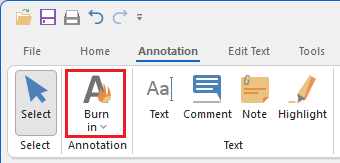
If one clicks on the dropdown menu under Burn In button, the following options are available:
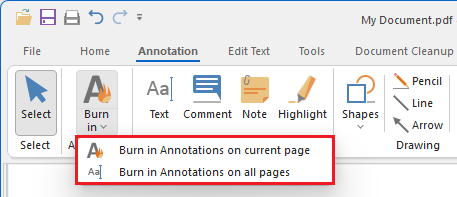
- Burn in Annotations on current page – This option will burn in the annotation only on the current page. (This option results in the same as clicking on the Burn In button.)
- Burn in Annotations on all pages – This option will burn in the annotation on all pages in the document.
NOTE: Once the annotation objects are burned in, they cannot be removed or modified.