
Using Bookmarks in PDF documents
(Available in the IceViewer PDF and IceViewer Pro)
The Bookmarks option provides a convenient way to jump directly to specific sections or chapters within a PDF document.
One can show or hide the bookmarks sidebar by clicking on the Bookmarks button.
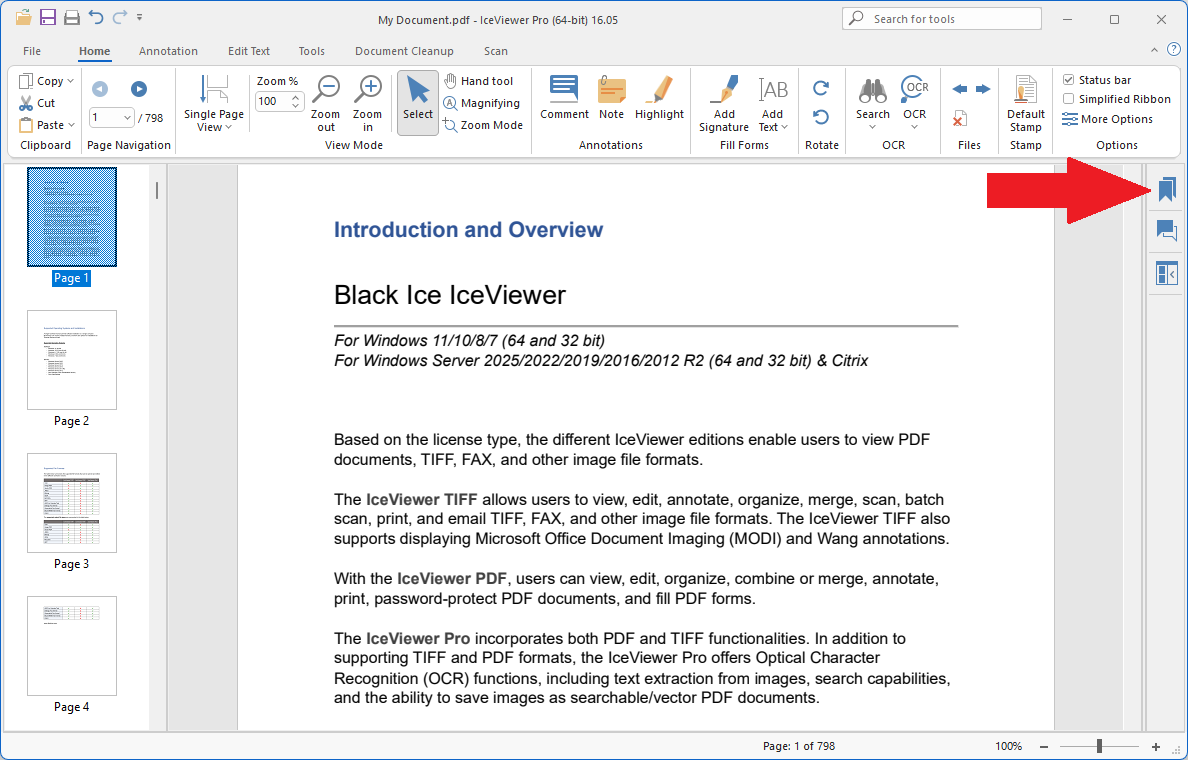
In the Bookmarks sidebar, one can navigate between sections by clicking on the bookmarks in the list.
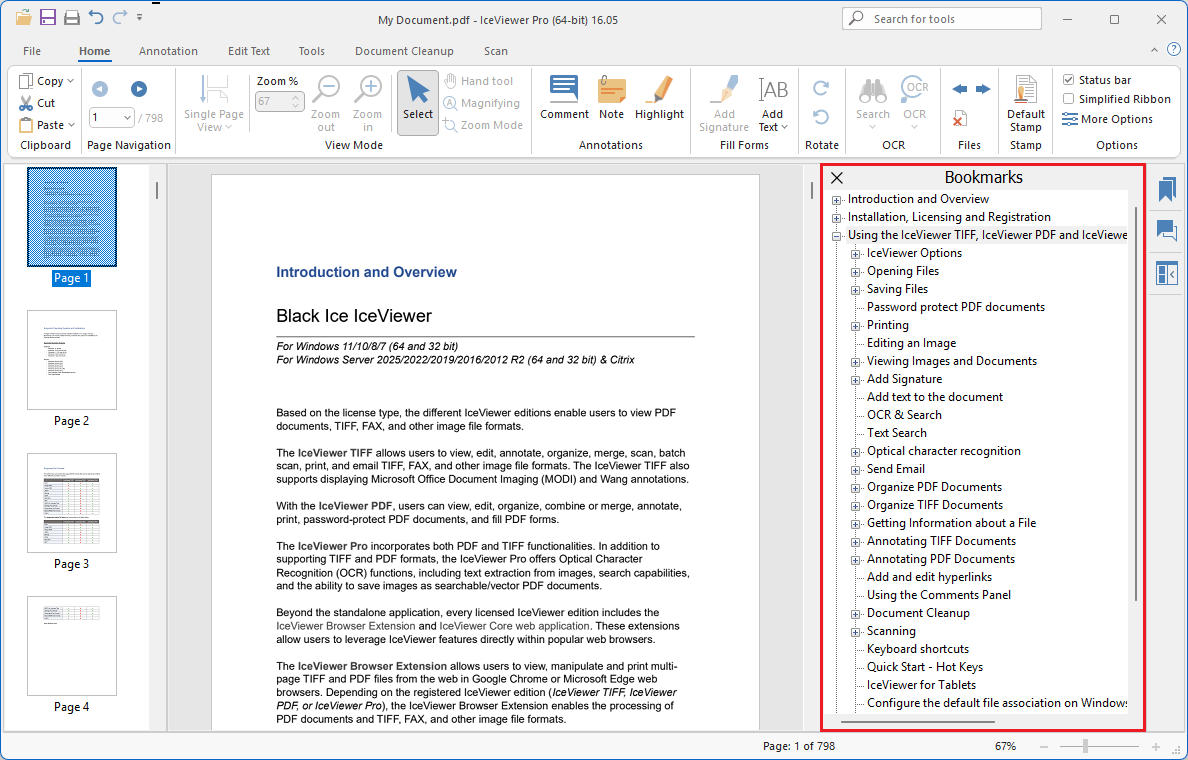
Please note, that bookmarks are generated during PDF creation from the table-of-content of the document (for example: when saving an MS Word document to PDF). If the opened PDF document does not contain bookmarks, the Bookmarks option will not be available.