Image information
(Available in the IceViewer TIFF and the IceViewer Pro)
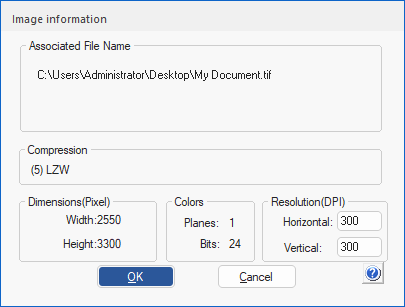
By selecting the Image Information option on the Tools tab, the IceViewer provides a report on the current image file.

The Image Information window displays details about the currently opened image file, including the associated file names, compression type, dimensions (in pixels), color information, and resolution. The user can modify the image resolution by specifying new horizontal and vertical DPI values.