
Show / Hide Icons
(Administrators only)
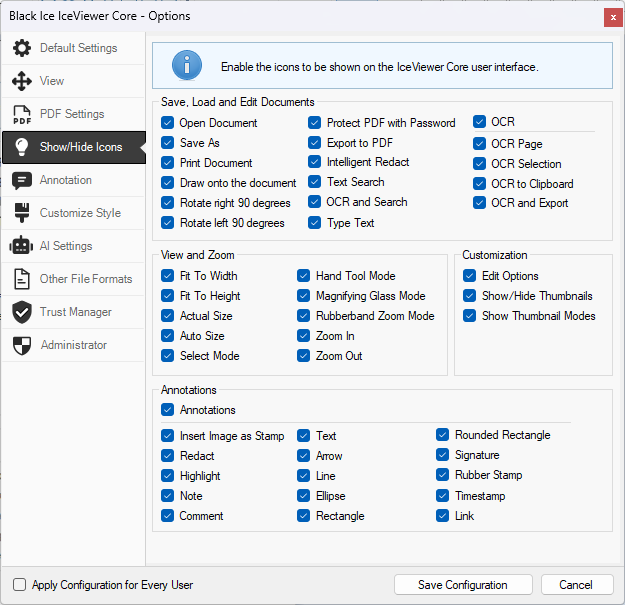
In the IceViewer Core, administrators have the option to show/hide icons on the user interface and save configurations for every user. The options listed in the Show/Hide window may differ in different versions of the IceViewer.
When running the IceViewer Core as an administrator, the Show/Hide Icons tab and the Apply Configuration for Every User option become available.
On the Show/Hide Icons tab administrators can enable or disable the desired icons of the IceViewer Core.
Apply Configuration for Every User
If this option is checked, the IceViewer Core will save the configurations for every user on the computer.
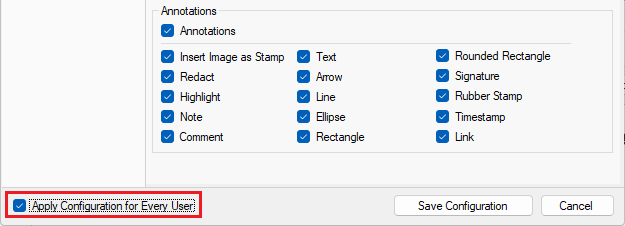
For the applied changes to take effect, please click on the Save Configuration button and refresh the page in the browser.