
Page Properties
The IceViewer Core’s Page Properties option can be used to display information about the currently selected page by right-clicking on the image and selecting the Page Properties from the context menu, or using the Ctrl + D keyboard shortcut.
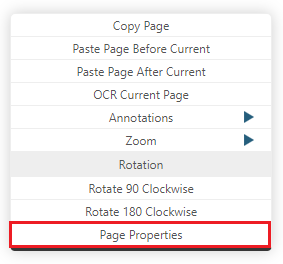
The Page Properties window provides the following information:
The location, size, creation date, and the date of modification of the opened document.
The height, width, fill order, horizontal and vertical DPI, compression, and color mode of the selected page.
.png)