
Settings
To edit settings in the IceViewer Core, please click on the Edit Options button on the top toolbar. Please note, that some settings on the Options window require administrator privileges.

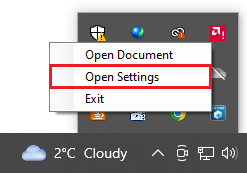
Alternatively, the Options dialog is also available by navigating to the system tray, right-clicking on the IceViewer Core icon and clicking on the Open Settings option.
On the Options dialog one can easily personalize the settings of the application.
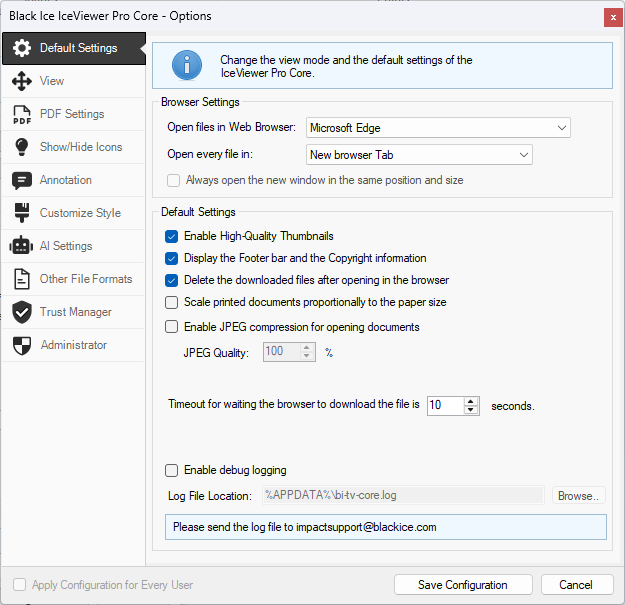
NOTE: The Apply Configuration for Every User option is only available if the IceViewer Core is run as an Administrator.