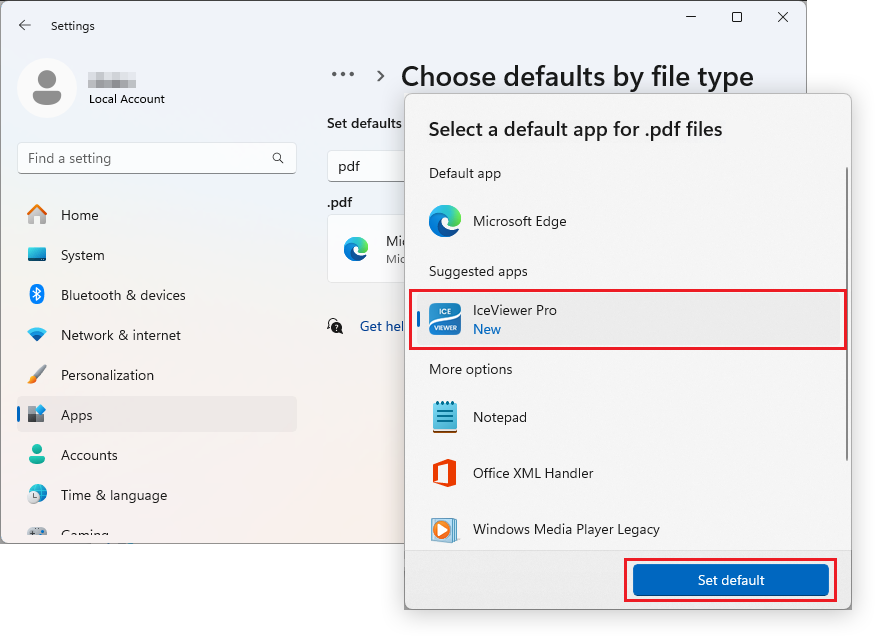
Setting file associations using the Windows Default App window
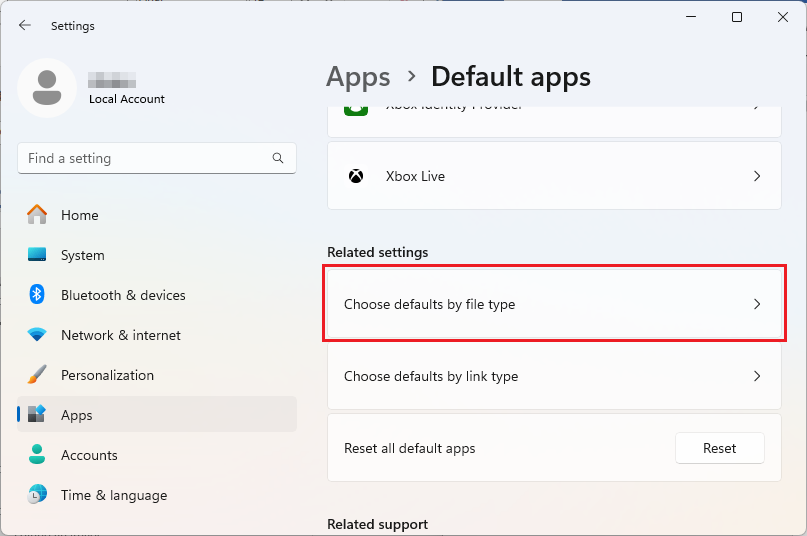
On Windows 11, 10 and Windows Server 2025, 2022, 2019, 2016 operating systems, one can set IceViewer as the default application for the supported image files by opening Start Menu > Settings > Apps > Default apps > click the Chose defaults by file type option.
On the "Choose defaults by file type" window, navigate to the desired file type, and click it. On the "Select a default app for [...] files" window, select IceViewer from the list and click the Set default button to set IceViewer as the default for that file type.