
Logging Settings
Logging provides information regarding the delivery of email messages.
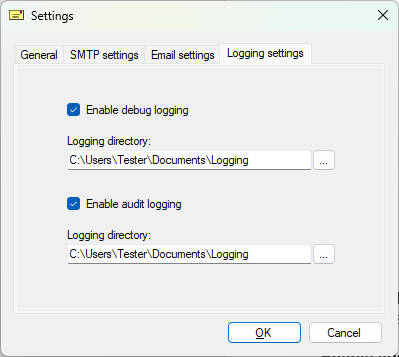
Enable debug logging - If enabled, the IceViewer will log every event of the IceViewer’s email sending in a log file.
Enable audit logging - If enabled, the IceViewer will log every sent email, date, recipients and the username who sent the email.
Logging directory - Output directory for the log file.