Email Settings
On the Email Settings tab one can preconfigure the email sending with the IceViewer.
Send e-mails silently
Provides the option to send emails without user intervention by pre-setting the destination address, destination CC, destination BCC, subject, and body. Enable this checkbox to deliver emails automatically using the information provided in the subsequent fields:
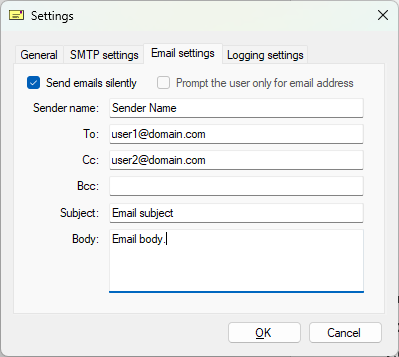
Sender Name: the displayed name of the sender
To: destination email address
CC: destination CC address
BCC: destination BCC address
Subject: email subject
Body: email body
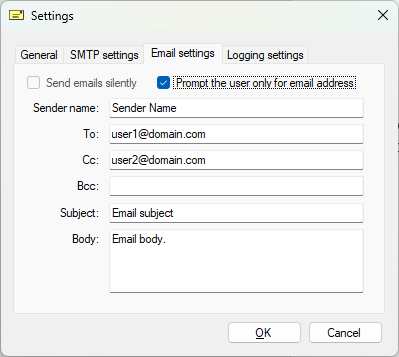
Prompt the user only for email address
If the Prompt the User only for email address option is selected, the User can specify the recipients email addresses, email subject and email body fields on the Email Settings window.
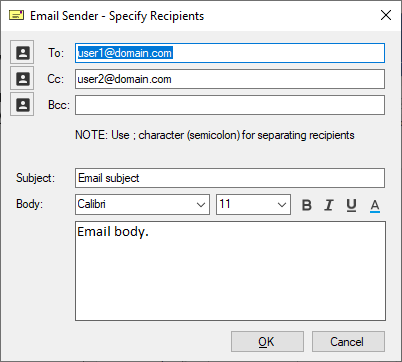
Every time when a user sends an email with the IceViewer the following window will appear with the option to specify additional recipients.