
How to rename attachments
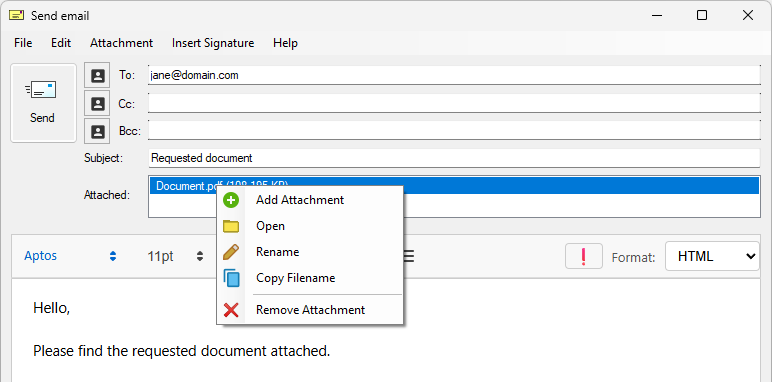
Print2Email attaches the printed documents as PDF files. Users can open, save, delete, and rename the attachments.
To rename an attachment:
- Right-click the attachment and select Rename.
To open an attachment:
- Double-click the attachment, or right-click and select Open.
If you don’t have an image viewer, download IceViewer from Black Ice. IceViewer allows you to view PDF, TIFF, JPEG, and other files, even in your browser.