
Configure Print2Email for All Users
Print2Email can store the current configuration—including email settings, provider details, and OAuth tokens—for every user on the computer. This ensures proper operation even when Print2Email runs as a Windows Service or under a different user account.
To save settings for all users:
- Open Print2Email.
- Go to the Administrator tab.
- Click Save email settings for every user.
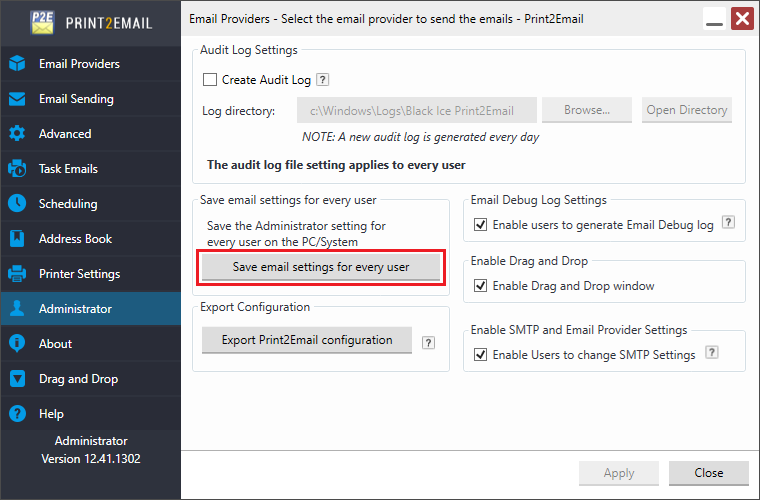
After saving, send a test email to verify everything is working correctly.