
Timestamp Annotation
To add a timestamp, please click the Annotations icon on the top toolbar, and select the Timestamp option from the dropdown menu.

Please click on the document to place the timestamp.
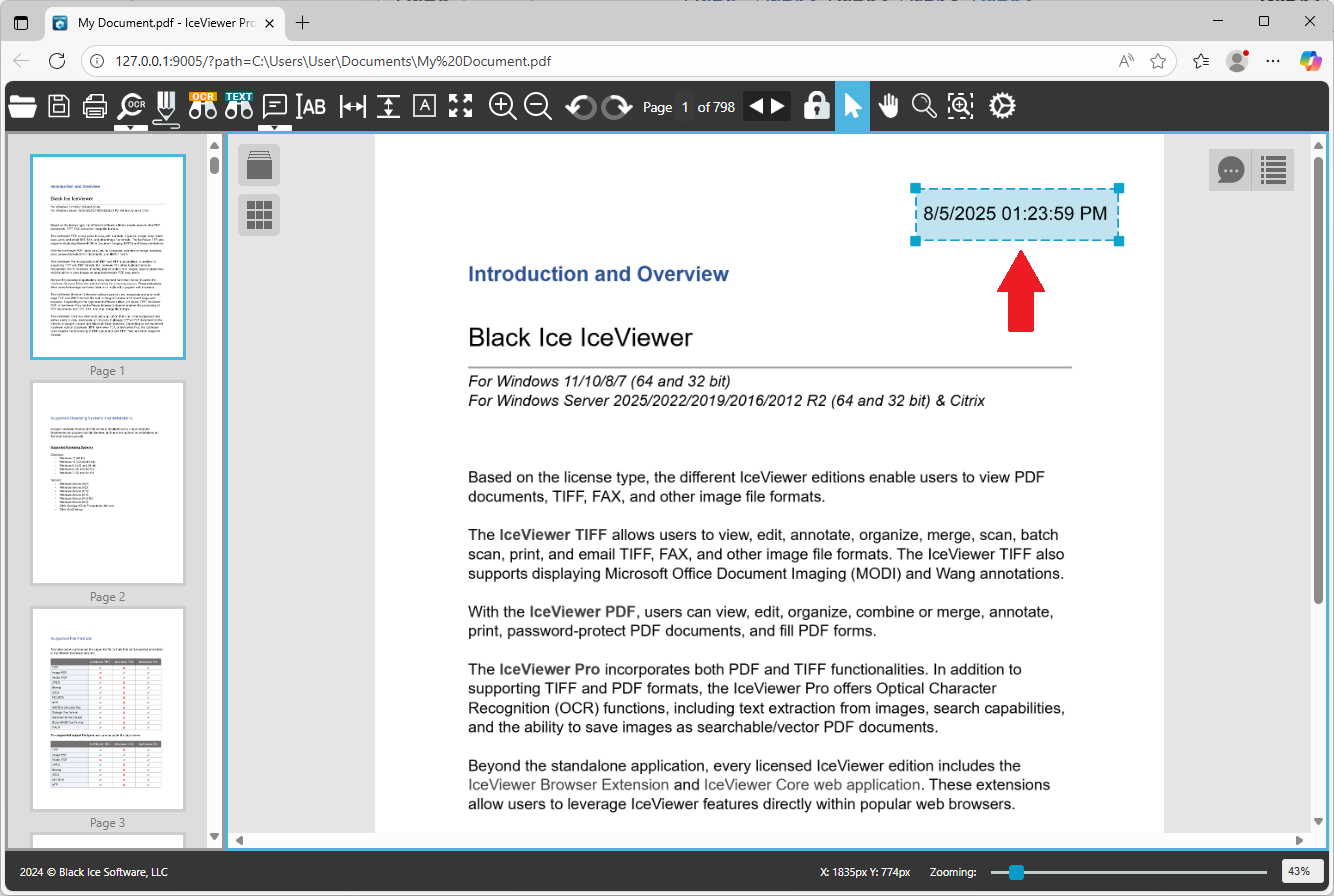
To read more about how to configure the timestamp format, please see the Annotation Settings section.
Annotation Replies
In IceViewer Core, users can add replies to every annotation type, allowing team members to provide feedback, ask questions, or offer further insights in a structured manner. To add an initial reply, please click on the annotation and start typing into the Add a reply field and save the reply.
For more details, please visit the Annotation Replies section of the manual.
.png)