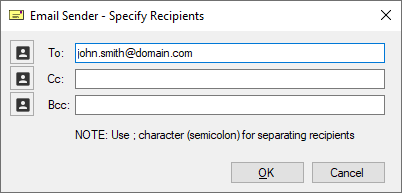
Prompt the user only for email address
If the Prompt the User only for Email address option is selected, the User can specify the recipient's email addresses, email subject, and email body fields under the Email Sending Tab. Every time one sends an email with Print2Email, the following window will appear with the option to specify additional recipients. Users can enable or disable Cc or Bcc fields in the Print2Email.ini file (enabled by default). To read more about how to configure parameters in the Print2Email.ini file, please refer to the Configuring General Settings in the Print2Email.ini section of the manual.