
Specifying recipients, email subject and email body
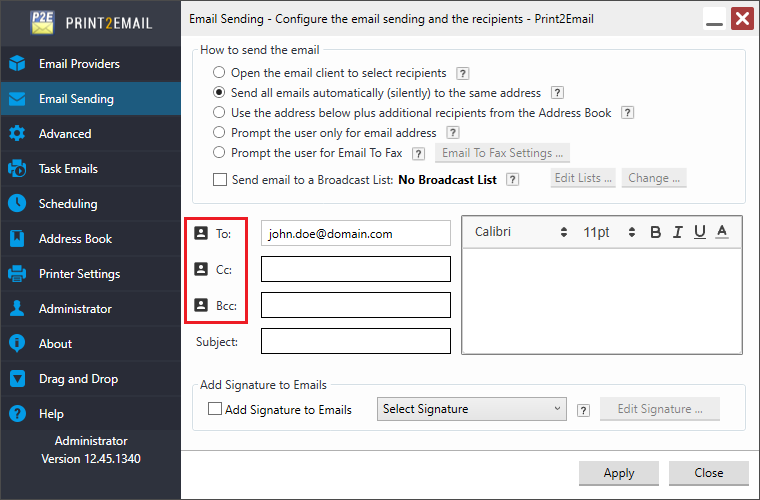
The To field specifies the primary email recipient(s). Cc is used for carbon copy recipients, while Bcc is for blind carbon copy recipients—recipients in To and Cc cannot see Bcc addresses. You can also set a default email subject.
In the Email Body field, you can define a default message. The body can be customized with font type, size, color, and text formatting such as bold, italic, or underline. HTML formatting is also supported. To read more about how to set up an HTML code formatted email body, please refer to the How to send formatted HTML code as email section of the manual.
The maximum length of characters for the To, Cc, Bcc fields is 1024 characters.
The maximum length of characters for the Email Subject field is 78 characters.
The maximum length of characters for the Email Body field is 65536 characters.
By clicking on the To, Cc, or Bcc Address Book button, the user can select the recipients from the Address Book.
The following MAPI clients are not supported:
-
Mozilla Thunderbird
To see how to specify recipients with environment variables, please see the Using Environment Variables in the To, Cc, Bcc email fields section of the manual.