
About
The “About” tab contains information about the product version, license, and company, and one can also purchase, activate, and deactivate a license.
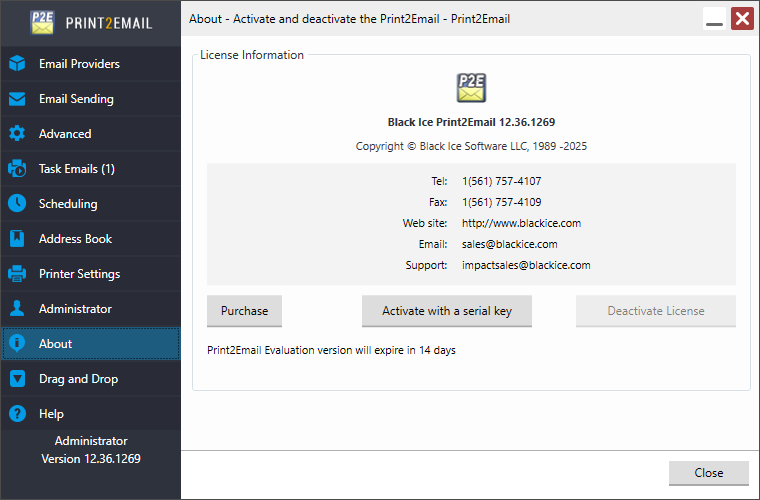
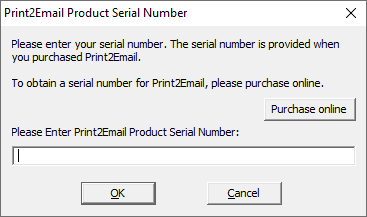
The Print2Email needs to be activated/registered once the evaluation period is over. Press the “Activate with a serial key” button and enter the serial number which is provided when purchasing the software:
If the registration/activation was successful, the registered serial number and the subscription expiration date are displayed on the “About” tab.
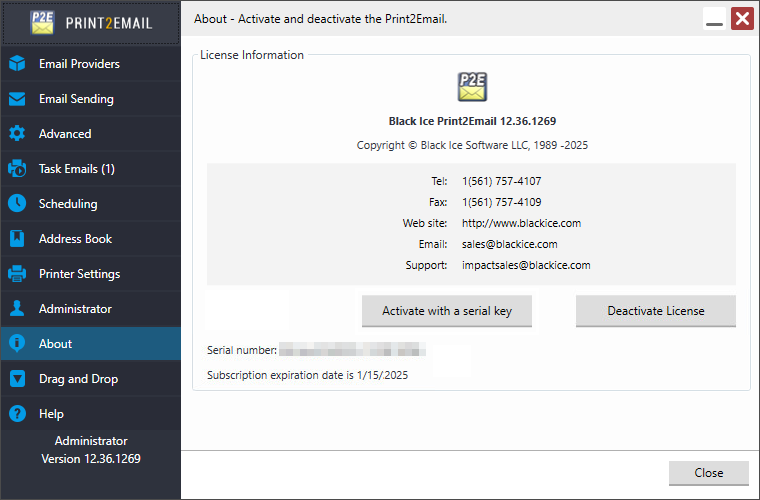
To deactivate and free up a license is quick and easy for IT managers in the Print2Email. The “Deactivate License” option enables IT administrators to reactivate the Print2Email on the computer at a later time.
Please open the Print2Email, and on the “About” tab, click on the “Deactivate License” button to unregister/free up the license. When the license is freed up, the Printer Driver can be registered on different computer with the serial number.
If registration failed, please see the Failed Registration of Print2Email Release section.