
Email Sending
The Email Sending tab in Print2Email lets you specify recipients and set a default email subject and body. Several options are available to automate and simplify the sending process.
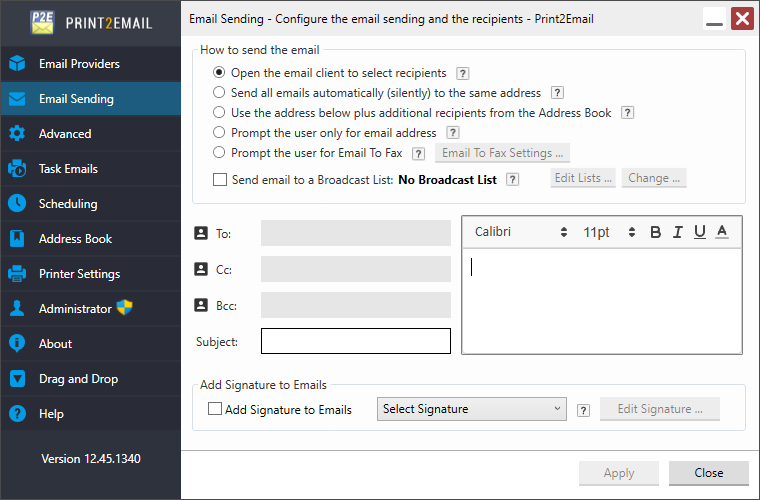
Open the email client to select recipients
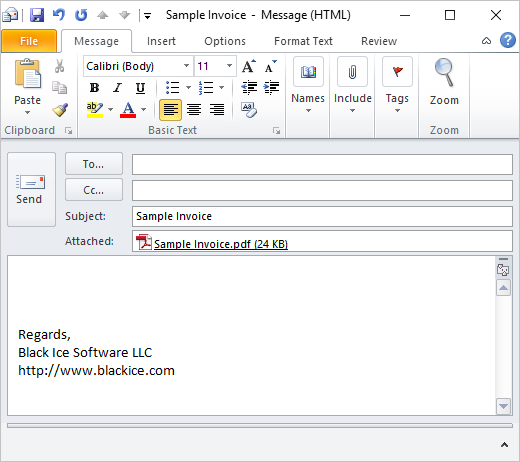
By default, Open the default email client to select recipients is enabled. Each time a document is printed to the Print2Email printer, it is converted to PDF or TIFF, and an email form with the attachment opens. Enter a recipient manually in the To field or select one from the address book by clicking the To button. Then click Send to deliver the email.
For further email sending configurations, please see the following sections of the manual:
- Send all emails automatically (silently) to the same email address
- Use the address below plus additional recipients from the Address Book
- Prompt the user only for email address
- Prompt the user only for Email to Fax
- How to configure the email sender window for faxing
- Send emails to broadcast List
- Specifying recipients, email subject and email body
- Using Environment Variables in the To, Cc, Bcc email fields
- Add a signature to the emails