Updater Application - What you will see
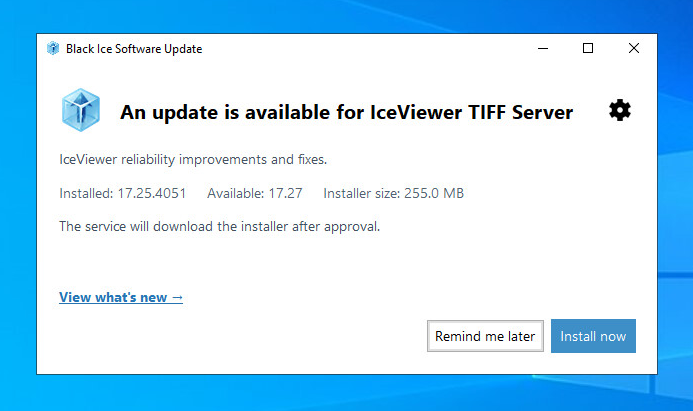
The notification application runs in the Windows system tray. It opens when an update or a required action needs your attention. Double-click its tray icon, or right-click the icon and select View update status, to open the window at any time.
During installation, do not start IceViewer. If the updater requests a Windows restart, save your work and restart when convenient. The updater does not force a restart.