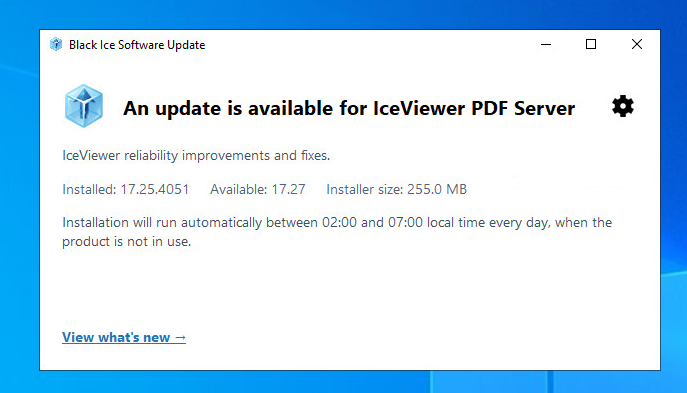
Accessing the update settings
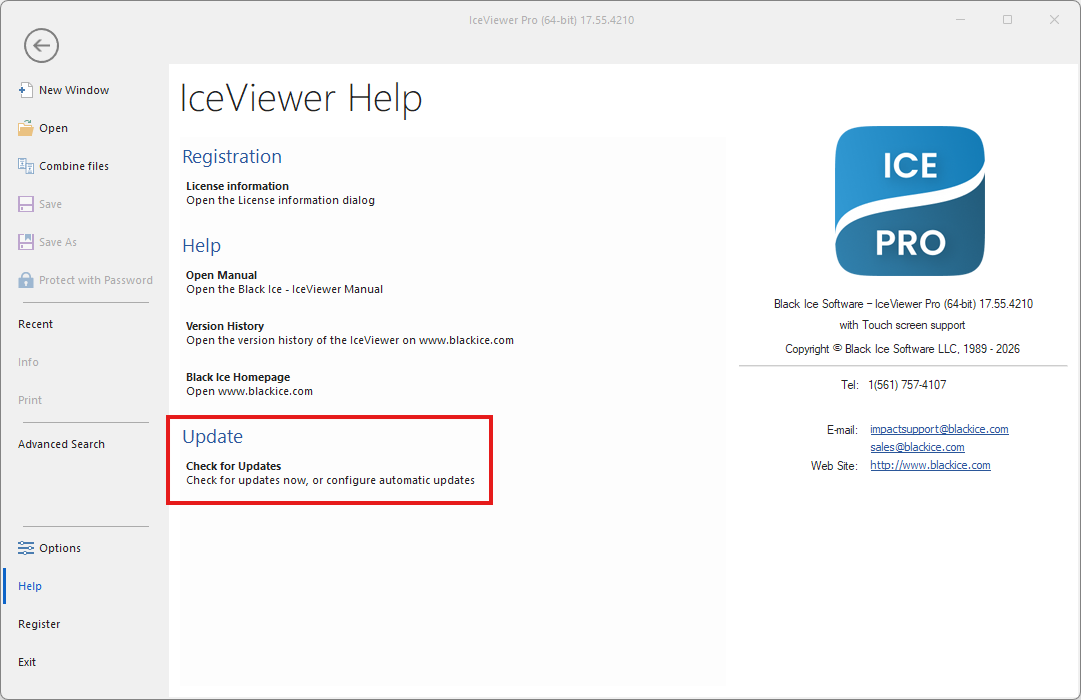
Run IceViewer as an administrator, click File > Help > Check for Updates or File> Options > Admin > Check for updates.
Select the gear button to change the update mode, automatic check interval, maintenance schedule, manual-check permission, and updater logging. The gear button is disabled in a standard user session.