Print2Email converts documents but stops sending emails
When the Print2Email Control Center window is open, the progress bar of the ‘email sending’ process and the message about the successful email sending stay in the background and may be obscured by other windows, so it is possible that it cannot be seen.
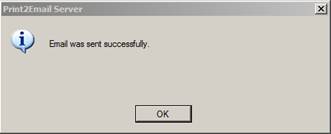
In this situation, the Print2Email Control Center does not respond, and further emails are not sent until the confirmation window is closed. This occurs even when Print2Email is set to Send all emails automatically to the same address in Print2Email > Email Sending tab.
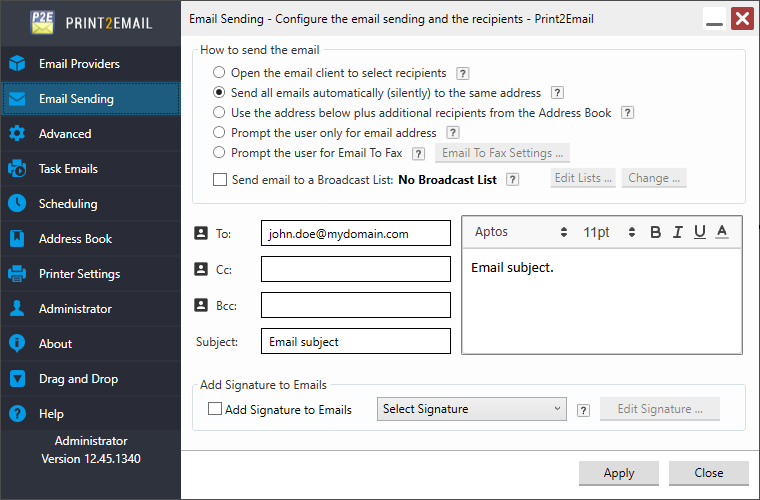
Solution:
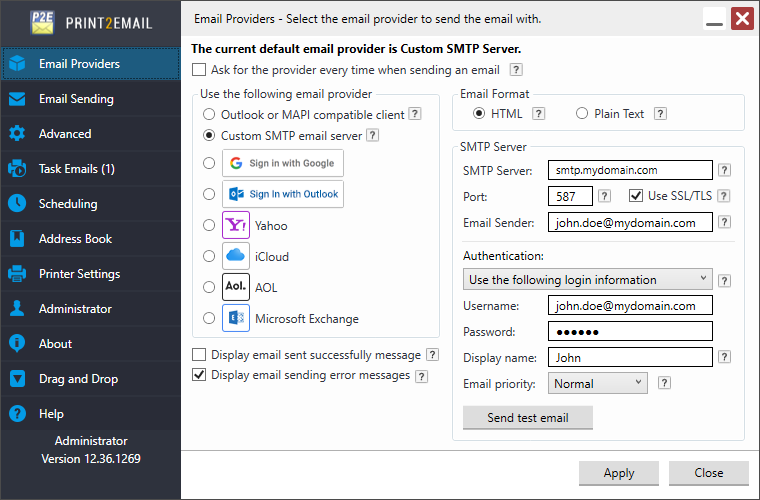
The default setting is to display the ‘email sent successfully’ message, disabling this option will solve the problem described.
One can also use the Alt + Tab keys to find the Print2Email Email was sent successfully window in the background and click on OK.