
Enable or disable the extension in Microsoft Edge
Microsoft Edge shows the following message on the first startup after installing the IceViewer:
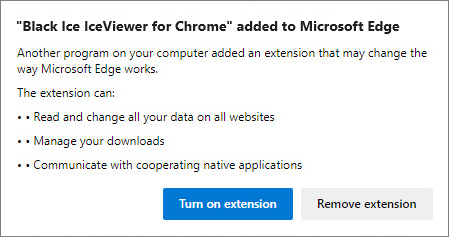
To enable the IceViewer Chrome extension in Microsoft Edge, click on the Turn on extension option.
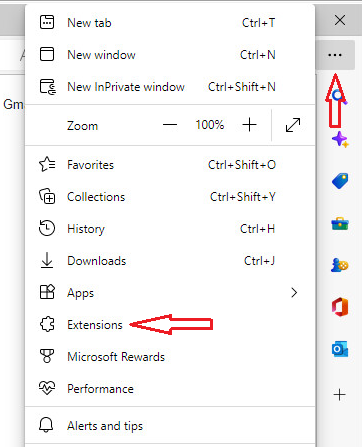
To disable the IceViewer Chrome extension in Microsoft Edge, please go to Settings and more > Extensions:
Click on the Manage extensions option:
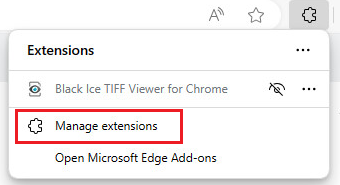
Turn off the toggle option:
