
Registering the Print2Email Full version
Registering Print2Email can be initiated by clicking on the Activate button when starting Print2Email, or from the Print2Email Control Center > About tab.
Note: Please make sure the Print2Email application is launched with “Run as administrator” privilege.
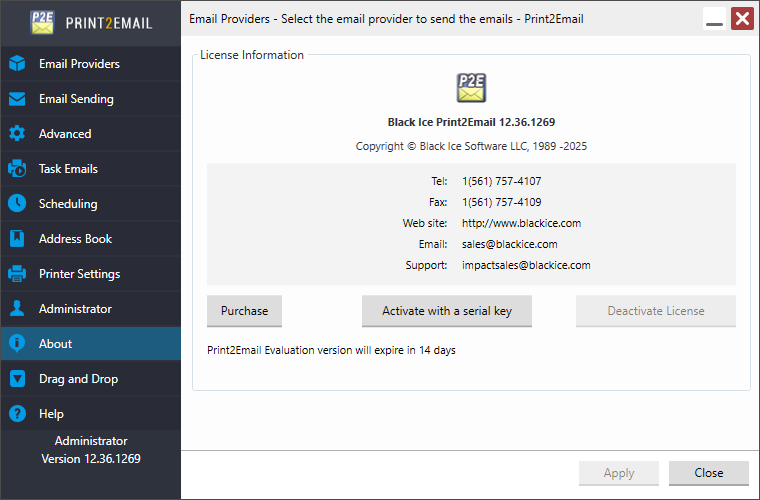
- Click Activate with a serial key. The following dialog appears:
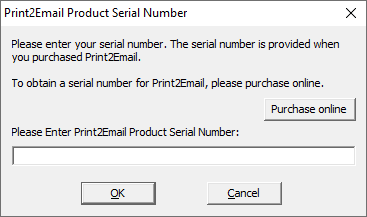
- Enter the serial number in the text field and press OK. The serial number is in the body of the email containing download instructions for Print2Email.
Currently two types of licenses are available for Printer Driver:
- Static license
- Transferable license
What is the difference between the transferable license, and regular (static) licenses?
The regular (static) Printer Driver license is tied to a computer, therefore even if you bought a new computer you will not be able to reinstall and register Printer Driver on this new computer, since your license is already used up.
On the other hand the transferable license validates the license periodically, and it is not tied to a computer, therefore if you would like to move your already registered Printer Driver to a new computer, you can do it very easily by following the steps described in the Moving transferable license to another computer section. For more information about the transferable licenses, please refer to the Registering the Print2Email with transferable license section.
- If registration/activation is successful, the following message appears.
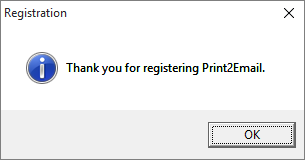
If registration failed, see the Manually registering the Print2Email Release (purchased version) section.