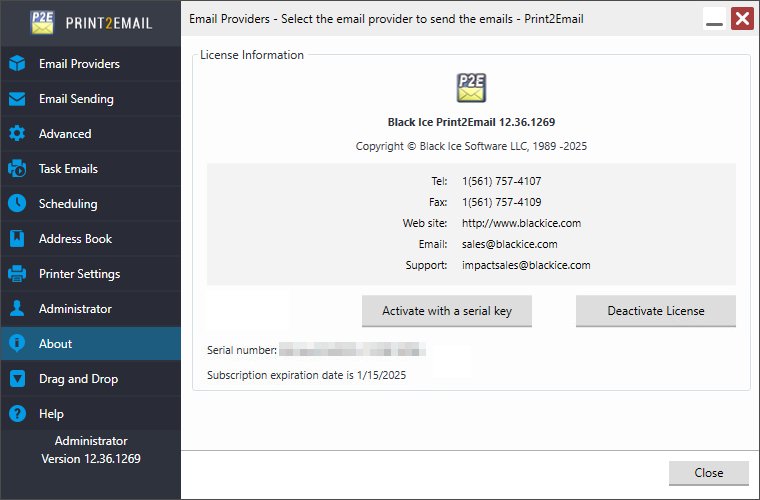
Registering Print2Email with subscription-based license
NOTE: An active internet connection is required in order to license the software. Manual (offline) registration is not supported with subscription based licenses!
To register Print2Email during the demo period, open the Print2Email, navigate to the About tab, and click Activate with a serial key (administrator privileges required).
.png)
The following dialog appears:
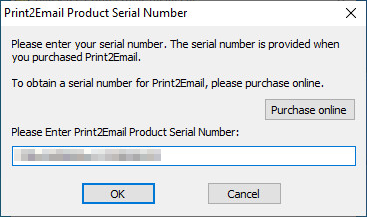
Enter the purchased serial number in the text field and press OK.
The software will register over the Internet connection via secure SSL connection to query the Black Ice license server and verify that a valid serial number was entered.