
Updating the Print2Email
Users can update the Print2Email without restarting the system and preserving every user configuration for the Print2Email.
In order to update the Print2Email, one has to start the installer of the Print2Email as an Administrator.
NOTE: The Print2Email version 10.03 or higher can be updated with the latest release. Print2Email version 10.02 and older must be first uninstalled, reboot the system, and install the latest version.
NOTE: Updating the Evaluation version of the Print2Email is not supported.
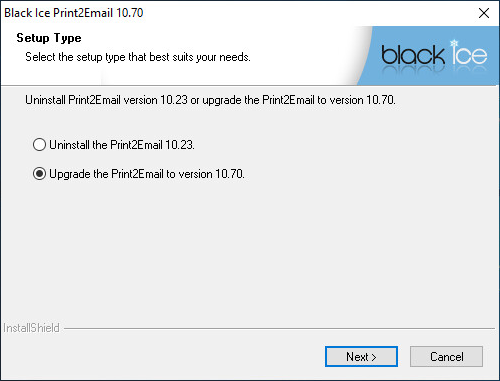
When starting the Print2Email installer the following window appears. To update Print2Email please select Upgrade the Print2Email and click Next.
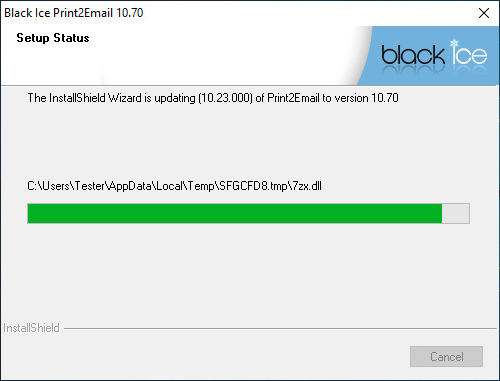
The installer will update the Print2Email, while preserving configurations.
When the update is complete the following window appears:
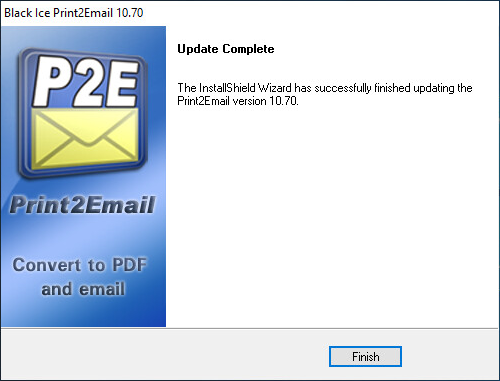
Click Finish to complete the Print2Email update.