
Upgrading transferable license to regular (static) license
If you would like to change your transferable license number to a static license number, please perform the steps below:
- Contact sales@blackice.com with your current IceViewer serial number and they will make the necessary changes to convert your transferable serial number to a static serial number.
- Once our sales department has confirmed your serial number has
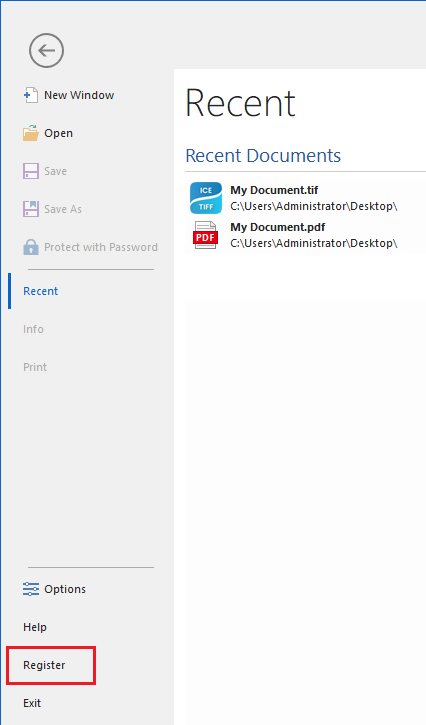
been changed to static, go to the IceViewer >
File > click on the Register button.
NOTE: If the computer is not connected to the internet, one can perform manual registration to register the product. When performing manual (offline) registration with a transferable license, the license will be automatically be converted to a static license.
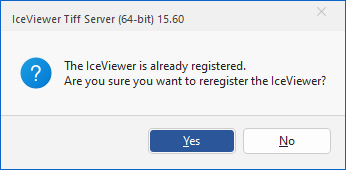
On the appearing dialog click on the Yes button to re-register the IceViewer.
Enter the static serial number and click on the OK button to re-register.
.png)
For large scale deployment, the recommended method is to uninstall/reinstall the IceViewer through Group Policy with an MSI installer. For more information, please refer to the MSI Installation guide.
- When the registration is completed, check if your license is not transferable based on the description of How do I know if I have transferable license?
If everything has worked properly, the IceViewer is now registered with a static license.
If one would like to convert a regular (static) license number to a transferable license, please contact sales@blackice.com .