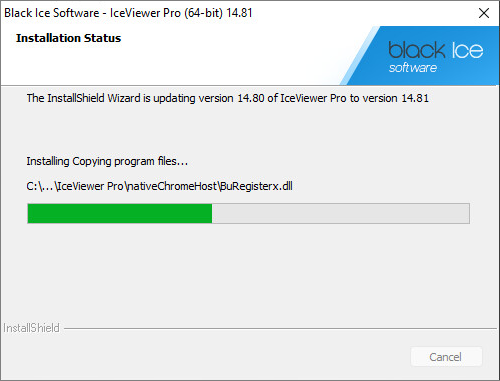
Updating the IceViewer
Upgrade the IceViewer without uninstalling and reinstalling the IceViewer. The upgrade process will keep the Users current configuration of the IceViewer.
- In order to update the IceViewer, one must start the installer of the new IceViewer.
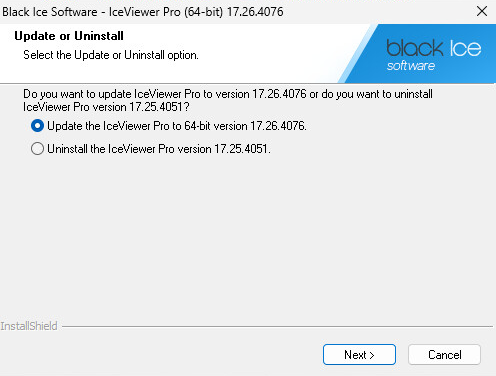
- On the appearing window, select the Update the IceViewer option.
Users have the option to update their IceViewer to the newer version, or Uninstall the currently installed version of the IceViewer.
- The installer will update the files, while preserving the
IceViewer configuration.