Delete Page(s)
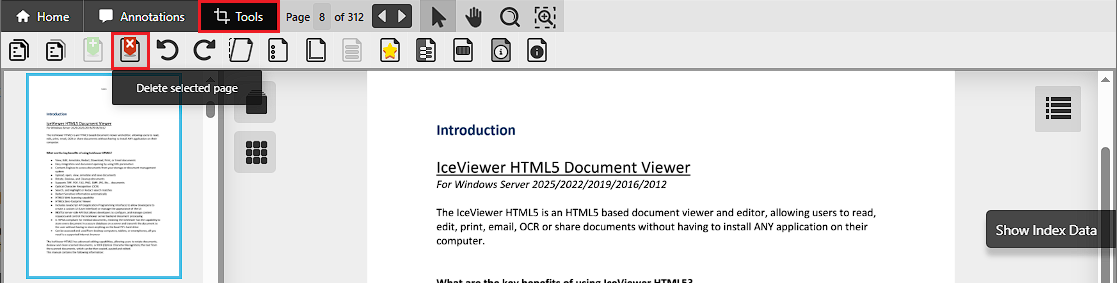
To delete a page, select its thumbnail in either the Thumbnail Sidebar or Thumbnail View Mode , then click the Delete selected page icon on the Tools toolbar.
To select multiple pages, hold down the Ctrl key on the keyboard while selecting the desired pages in the Thumbnail Sidebar.
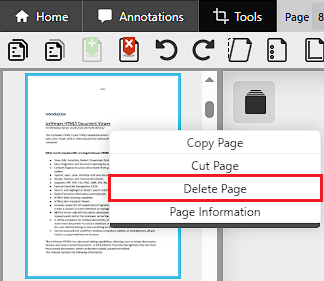
Alternatively, to delete pages, right-click the selected page and select the Delete Page option from the context menu.