
Introduction
IceViewer HTML5 Document Viewer
For Windows Server 2025/2022/2019/2016/2012
Black Ice Software’s IceViewer HTML5 allows users to access, view, edit, annotate, OCR, download, print, scan, and email PDF, TIFF, or FAX documents from any desktop computer, tablet, or smartphone with a simple web browser.
The HTML5 Document Viewing solution can be embedded or integrated with many in-house applications, including existing HR, CRM, ERM, Transportation, or Shipping applications to access documents in your database.
IceViewer HTML5 uses Content-Engines to access documents from your storage or document management system. Content-Engines offer endless possibilities for developers to create their engine for any storage or document management system.
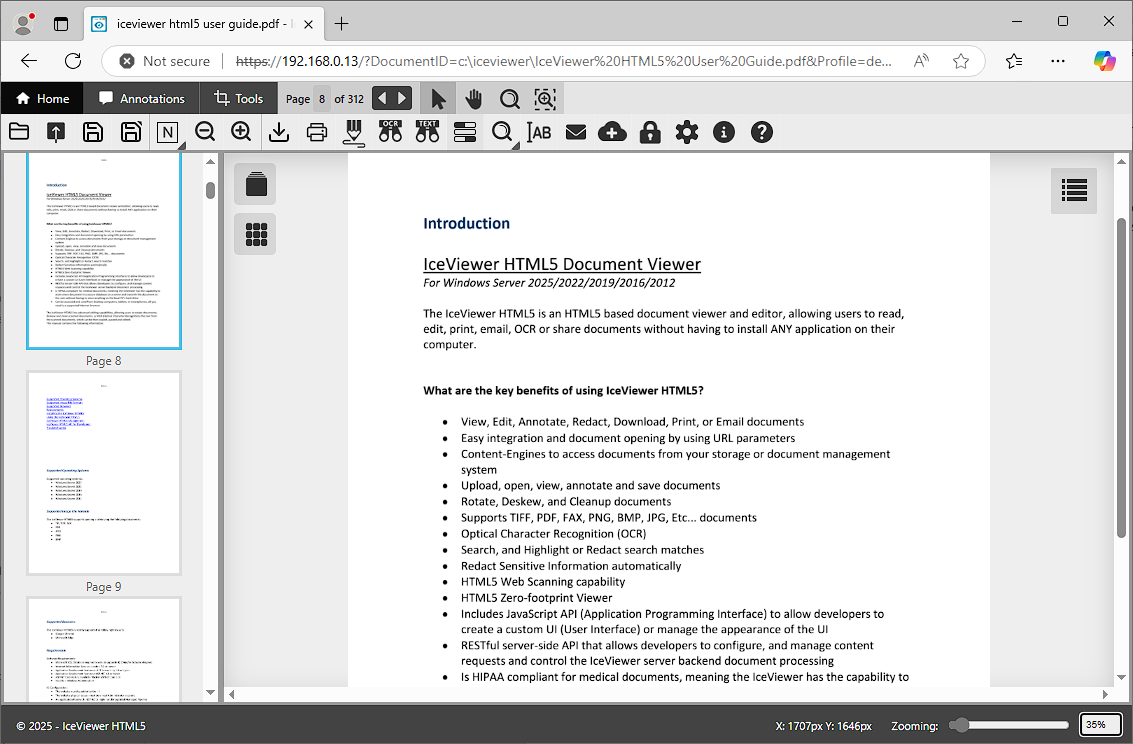
What are the key benefits of using IceViewer HTML5?
- View, Edit, Download, Print, or Email Documents
- Upload, Open, View, and Save Documents
- Supports PDF, TIFF, FAX, PNG, BMP, JPG, Etc... documents
- Organize PDF and TIFF documents
- Add Comment, Note, Highlight, Redact, Stamp and more annotations to documents
- Insert text in documents or non-interactive forms with the Add Text tool
- Draw on documents
- Rotate pages
- Deskew, and Cleanup documents
- Optical Character Recognition (OCR)
- Search, and Highlight or Redact search matches
- Redact Sensitive Information automatically
- Password Protect PDF Documents
- Navigate with Bookmarks in PDF documents
- Easy integration and document opening by using URL parameters
- Content-Engines to access documents from your storage or document management system
- HTML5 Web Scanning capability
- HTML5 Zero-footprint Viewer
- Includes JavaScript API (Application Programming Interface) to allow developers to create a custom UI (User Interface) or manage the appearance of the UI
- RESTful server-side API that allows developers to configure, and manage content requests and control the IceViewer server backend document processing
- Is HIPAA compliant for medical documents, meaning the IceViewer has the capability to store every document in a secure database on a server and transmit the document to the user without having to store anything on the local PC’s hard-drive
- Can be accessed and used from desktop computers, tablets, or smartphones, all you need is a supported internet browser
This manual contains the following information:
Installing the IceViewer HTML5