
Accessing the Administrative Panel
To access the Administrative Panel, navigate to the <IceViewer HTML5 IP Address or Domain Name>/admin url in your browser. For example, if your IceViewer HTML5 is running on http://myiceviewer.com URL, then the Administrative Panel can be accessed on http//myiceviewer.com/admin.
The default login for the admin panel is the following:
Username: root
Password: IceViewer12345
After a successful login, the following area appears:
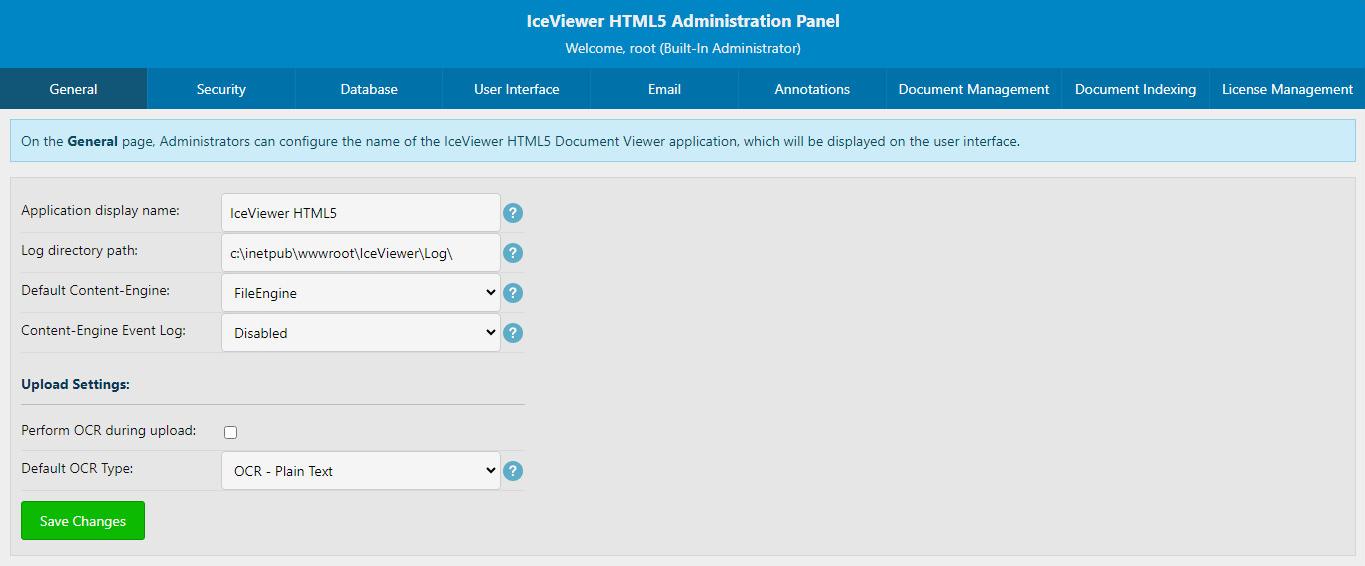
For a general overview of what this Administrator Panel can do, please refer to the Overview section.
From this area, Administrators can access the following pages: