 Buy Now
 Download
Administrate your Fax Server and view Received faxes from your iPhone!
 View a Received Fax*
To access the Web Client and View a Fax:
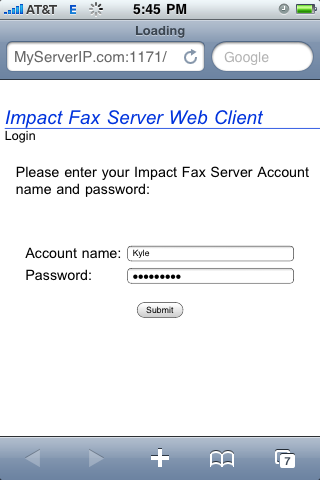
- 1. Open the Web Browser
- 2. Go to http://YourServerIP:1171 or http://YourServer.YourDomain.com:1171
- 3. Enter the Account Name and Password
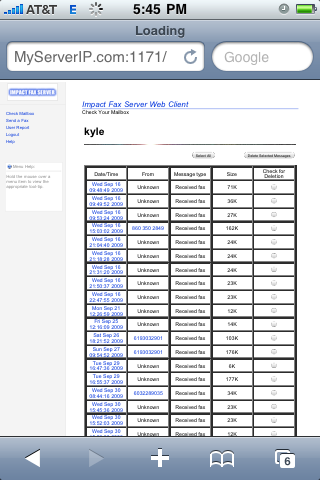
- 4. Click the Time and Date of the fax you want to view
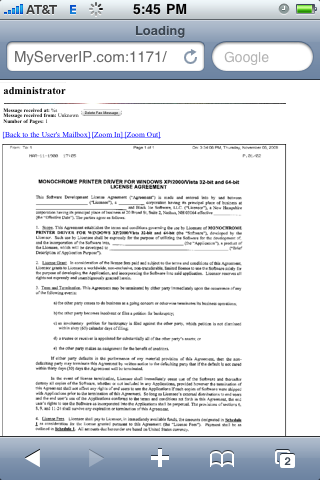
- 5. View the entire fax page by page!
|
|
|
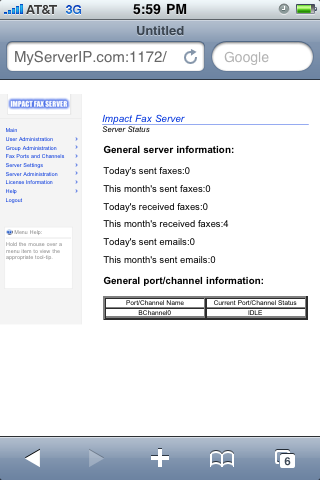
 Configure and Administrate your Fax Server
To access the Fax Server Administration:
- 1. Open the Web Browser
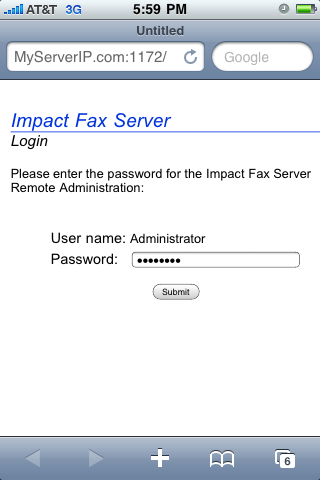
- 2. Go to http://YourServerIP:1172 or http://YourServer.YourDomain.com:1172
- 3. Enter the Administrator password
- 4. Administrate your Server!
|
|