
Burn in Objects
The Burn In feature permanently embeds the annotation data into the TIFF document.
To burn in annotations, please navigate to the Annotations tab and click the Burn in annotations option.
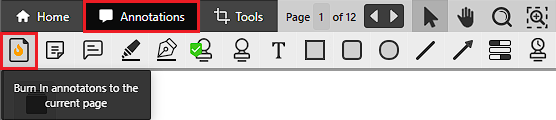
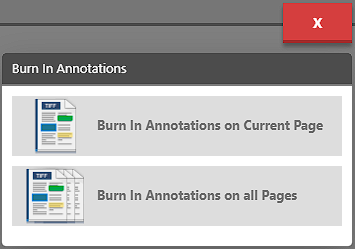
When the Burn In button is clicked, IceViewer HTML5 offers the following options:
- Burn in Annotations on Current Page: This option embeds the annotations only on the current page.
- Burn in Annotations on All Pages: This option embeds the annotations on all pages of the document.
NOTE: Once the annotation objects are burned in, they cannot be removed or modified.