
The evaluation version of the FileFlow Server is expired
The evaluation version of the FileFlow Server can be used for 15 days after the installation. Once the evaluation version is expired, the following window appears when starting the FileFlow Server, offering three options.
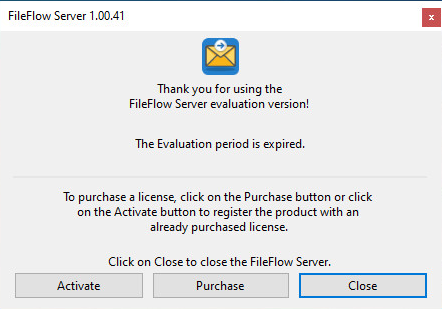
- Click on the Activate button, if you have already purchased a serial number for the FileFlow Server.
NOTE: Registration requires administrator privileges.
- The following dialog appears:
.png)
- Enter the serial number in the text field and press OK. The serial number is in the body of the email containing download instructions for the FileFlow Server.
- To see if the registration/activation is successful, please navigate to the FileFlow Server > About tab to see if the registration was successful.
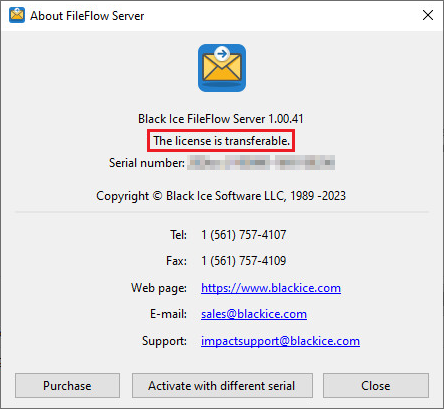
If registration failed, see the Manually registering the FileFlow Server Full version section.
- Click on the Purchase button, to purchase a new serial number for the FileFlow Server.
- Click on the Close button to close the FileFlow Server.