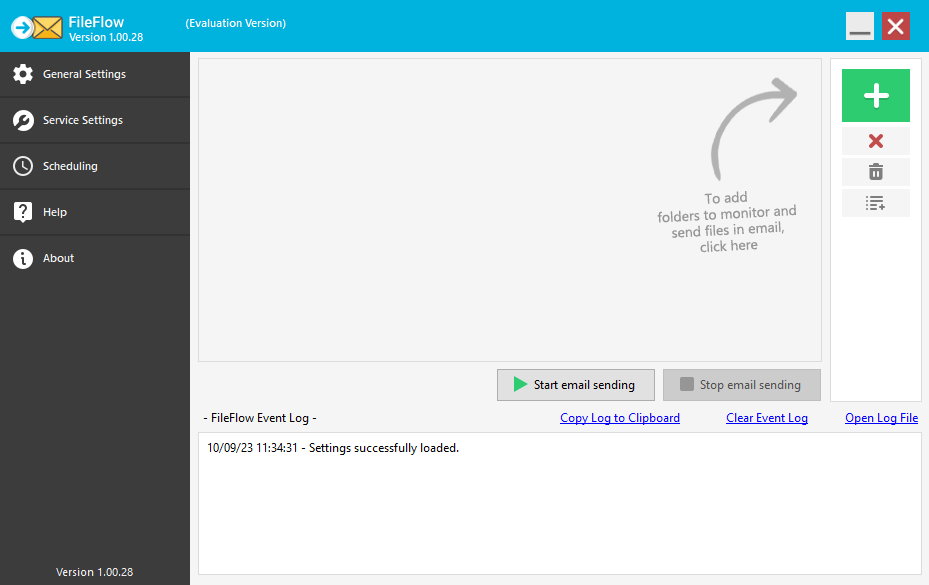
Configuring the FileFlow Server
The FileFlow Server application can be started from the Start menu, or by double-clicking on the FileFlow Server icon on the desktop.
For configuring the settings of the FileFlow Server, please see the following sections: