Installing the FileFlow Server
Please note: To install FileFlow Server, the user must have administrative privileges. The user must have an active Internet connection to install and register the FileFlow Server.
Please navigate to the directory that you downloaded the program file to and double-click on FileFlow ServerSetup.exe. The following screen will appear:
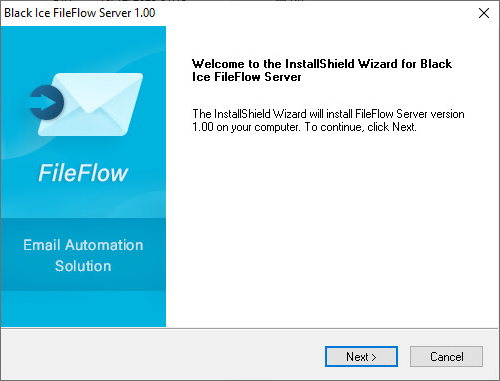
Click on the Next button to continue.
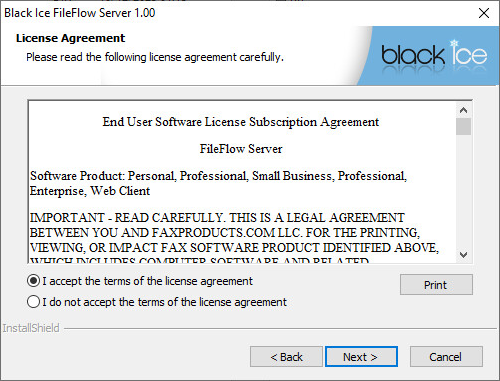
Read and accept the License Agreement and click Next to proceed.
Select a location for the FileFlow Server to be installed. The default (and recommended) location is C:\Program Files\Black Ice Software LLC\FileFlow Server.
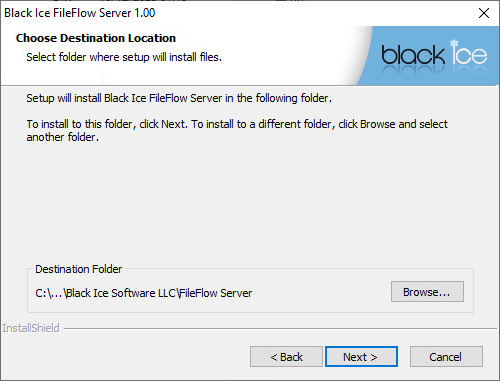
Click Next to continue.
The following window allows the user to specify the name of the Program Folder that FileFlow Server will be listed under. Type in a new folder name if desired.
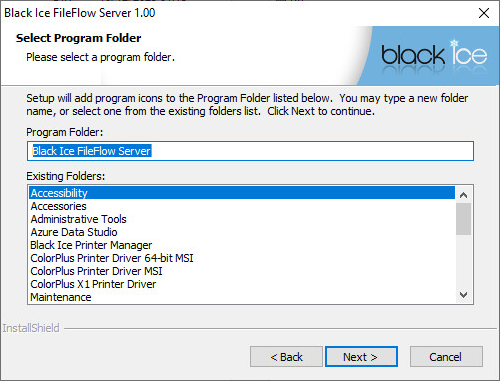
Click Next to continue.
To install the FileFlow Server Service, please provide a user name and a password. The user must be an administrator.
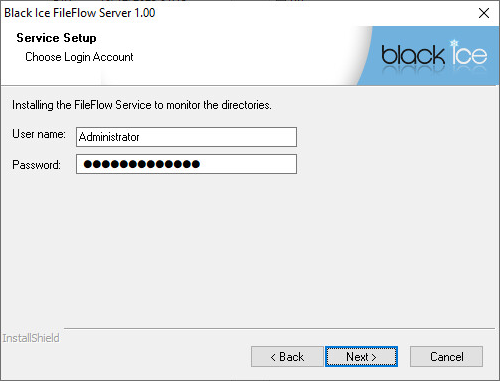
Click Next to continue.
The setup will now copy the program files to your computer.
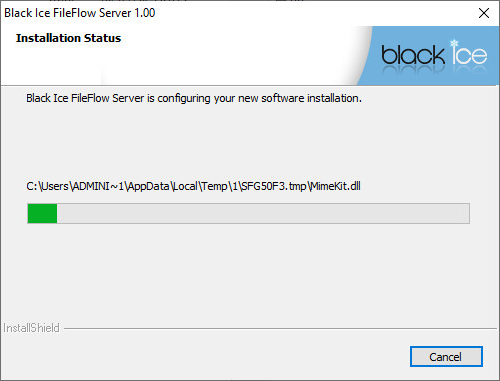
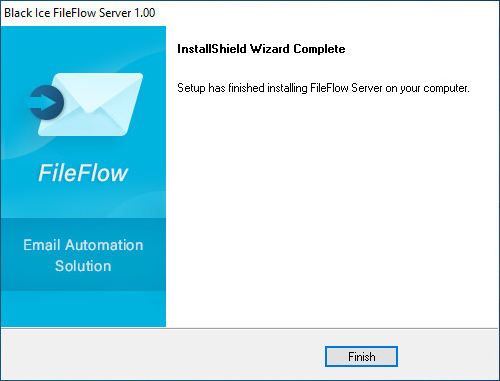
Click on the Finish button to complete the installation.