
Registering the FileFlow Server full version (purchased version)
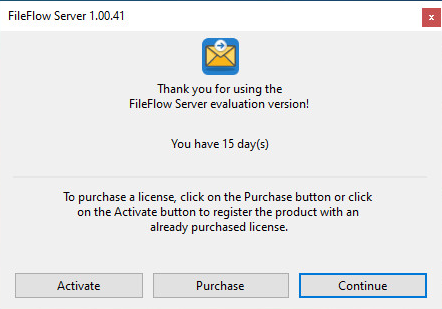
To register the release version of the FileFlow Server, please click on the Activate button on the appearing window, when launching the FileFlow Server. The serial number serial number is provided after purchase.
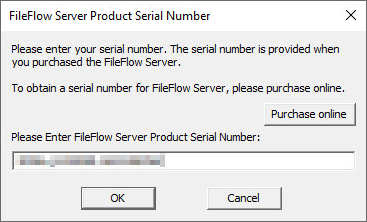
Enter the received serial number, and click the OK button.
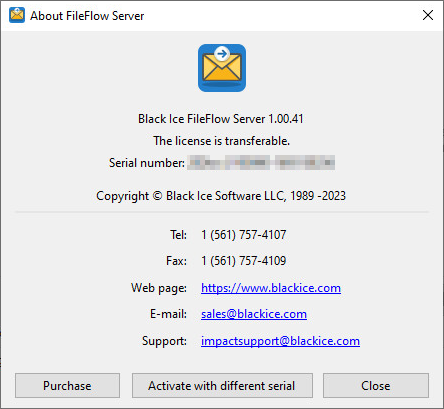
To see if the registration was successful, please navigate to FileFlow Server and click on the About tab.
If the registration is unsuccessful, please refer to the Manually registering the FileFlow Server (purchased version) section.